






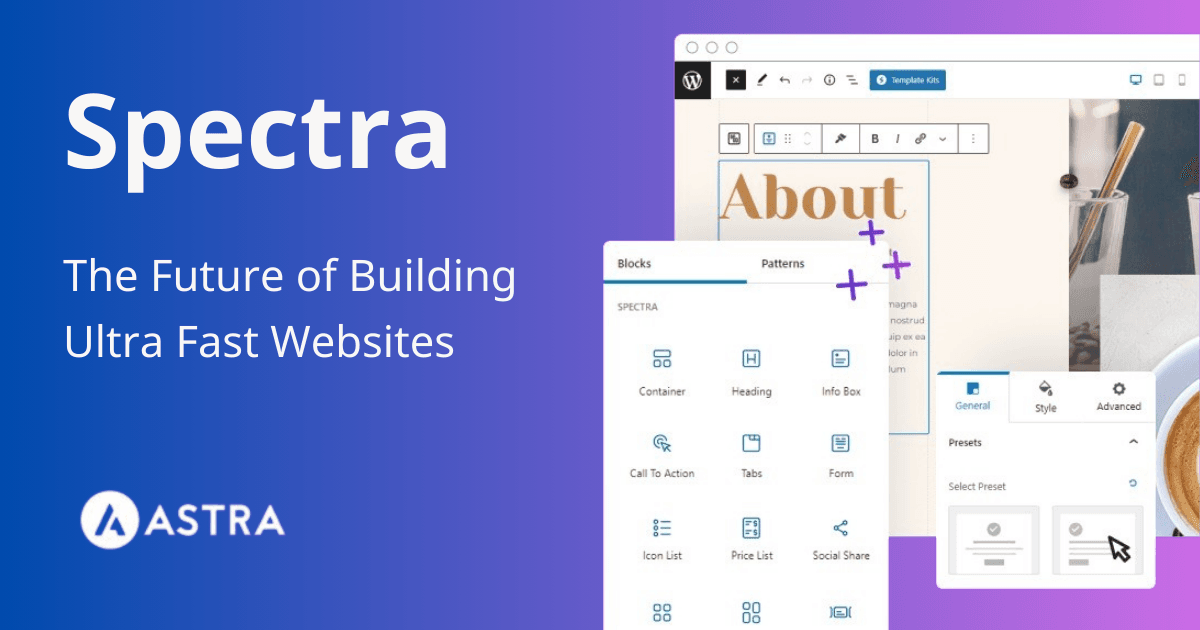
Spectra Pro
The Perfect Solution for Designing WordPress Websites with Professionalism and Ease
Introduction
In the world of website creation, WordPress is one of the most popular and widely used systems due to its simplicity and diverse features. However, to achieve a unique and professional design without deep programming knowledge, users look for tools that make the process easier. This is where Spectra Pro comes in—a powerful plugin that allows you to easily create and design stunning web pages.

If you are looking for a tool that helps improve your website’s performance, saves time, and ensures a smooth user experience, then Spectra Pro is the perfect solution. In this article, we will explore everything you need to know about Spectra Pro—from its main features to how you can use it to enhance your WordPress site.
What is Spectra Pro?
Spectra Pro is an advanced WordPress plugin designed to improve the default editor’s functions, allowing you to design professional web pages easily without writing complex code. It was developed to make page building faster and simpler, offering a flexible and smooth editing experience suitable for both beginners and professionals.
With Spectra Pro, you can create responsive, fast-loading websites using ready-made blocks, giving you freedom beyond traditional templates. It also supports advanced features like popups, animations, custom forms, and more, making your site more attractive and interactive.
Why Choose Spectra Pro for WordPress?
- Ease of Use
Spectra Pro has an intuitive drag-and-drop interface, requiring no coding skills. - High Performance and Speed
Lightweight and fast, ensuring it doesn’t affect your site’s loading speed. - Improved User Experience (UX)
Features like animations and popups boost engagement and interaction. - Compatibility with All Themes
Works with all popular WordPress themes without requiring theme changes. - Fully Responsive Design
Ensures your site looks great on desktops, smartphones, and tablets.
Key Features of Spectra Pro
- Dynamic Content – Display content that updates automatically based on user input or site data.
- Loop Builder – Show repeated content like latest posts or products elegantly.
- Popup Builder – Create eye-catching popups for promotions, email collection, or navigation.
- Animations – Add motion effects to text, images, and buttons for a modern look.
- Subscription and Registration Forms – Easily build professional opt-in and login forms.
- Advanced Image Gallery – Showcase images with stylish effects.
- Countdown Timer – Ideal for limited-time offers or upcoming events.
- Social Media Integration – Display latest Instagram posts seamlessly.
- Advanced Block Customization – Full control over colors, fonts, spacing, and effects.
How to Install and Activate Spectra Pro
Step 1: Download the Plugin
- Purchase from the official website.
- Download the ZIP file.
Step 2: Install on WordPress
- Go to WordPress Dashboard → Plugins → Add New.
- Upload the ZIP file and install.
- Click Activate.
Step 3: Configure Settings
- Adjust settings from the control panel based on your site’s needs.
FAQs About Spectra Pro
- Is it compatible with all themes?
Yes, it supports all modern WordPress themes. - Does it affect site speed?
No, it’s designed to be lightweight and fast. - Does it require coding skills?
Not at all. The drag-and-drop editor makes it beginner-friendly. - Can I use it on multiple sites?
Depends on your subscription plan—some allow multiple sites. - How do I get support?
Premium support via email and live chat on the official website.
Conclusion
Spectra Pro is one of the best tools for building and designing WordPress websites with ease and professionalism. With its advanced features and user-friendly interface, you can create responsive, fast, and attractive websites without hiring a developer.
If you want to enhance user experience, increase engagement, and speed up your site design process, Spectra Pro is the perfect solution. Don’t hesitate—try it today!






No comment