






SportsPress Pro
Introduction to SportsPress Pro
SportsPress Pro is a powerful and dynamic sports management plugin designed specifically for WordPress users. It provides a comprehensive solution for leagues, clubs, teams, and sports organizations looking to strengthen their digital presence. With a wide range of features, it facilitates efficient management of events, schedules, and player statistics, all through a user-friendly interface accessible to both administrators and visitors.

The primary goal of SportsPress Pro is to simplify the complexities of sports management through a centralized platform. It offers key tools such as customizable league tables, player profiles, and stat tracking—allowing sports organizations to present information in a well-structured, visually appealing way. With seamless integration into WordPress, users can harness the power of the platform without requiring technical expertise.
For sports teams, the plugin enables the creation of individual player bios and efficient roster management. Leagues benefit from automatic fixture generation and real-time match updates, ensuring fans stay engaged with the latest developments. Clubs can also organize their event calendars, improving communication with members and supporters. Additionally, integrated social sharing features help expand reach and foster fan interaction.
In short, SportsPress Pro is an essential resource for anyone in the sports field. It not only streamlines operations but also enhances the experience for both participants and fans. Its versatility and strong functionality make it a valuable tool in the competitive world of sports management.
Key Features and Benefits of SportsPress Pro
Player Profiles
SportsPress Pro allows the creation of detailed player profiles with statistics, bios, and images—offering fans a personalized connection with their favorite players. Customization options help showcase team identity and strengthen fan loyalty.
Match and Results Management
The plugin offers an intuitive interface for scheduling matches and updating scores, making it easier for admins to manage and communicate fixtures. Integration with the overall calendar system simplifies event tracking and enhances usability.
Statistics Tracking
With advanced stat tracking, admins can monitor individual and team performance. This data is useful for strategy development and fan engagement, as real-time stats keep audiences informed and connected to the action.
Automatic Standings
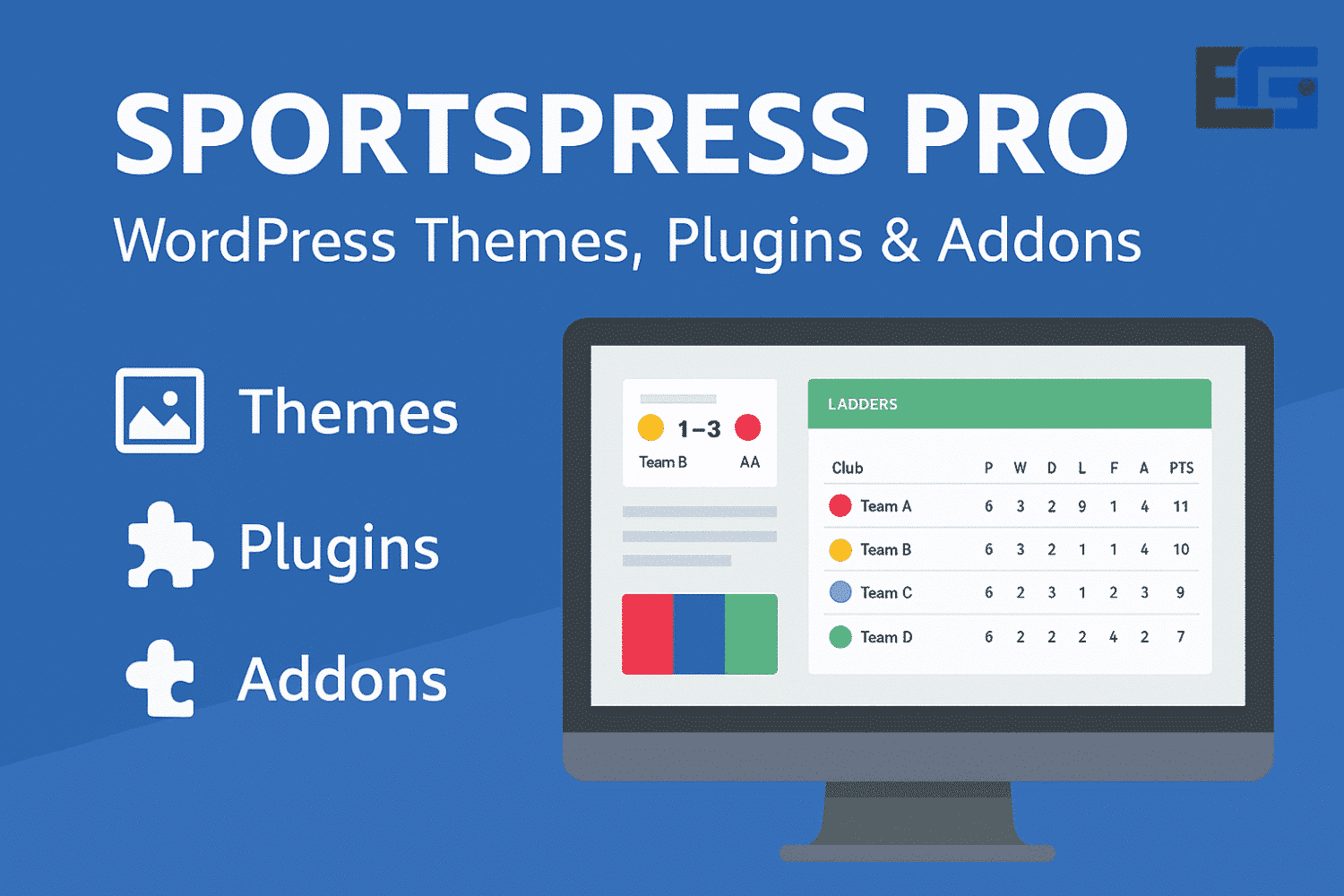
League standings are automatically updated based on match outcomes, giving a clear picture of team rankings. This saves time for administrators and serves as a valuable reference for fans following their teams’ progress.
User-Centric Design
With its combination of powerful features and intuitive interfaces, SportsPress Pro improves the experience for both administrators and users, making it a leading solution in the sports management industry.
Setting Up SportsPress Pro: Step-by-Step Guide
Purchase and Installation
- Purchase the plugin from the official website.
- Download the
.zipfile. - In your WordPress dashboard, go to Plugins > Add New > Upload Plugin.
- Upload the file and activate the plugin.
Initial Configuration
After activation, the setup wizard will walk you through basic settings such as league name, season, and currency. Accurate data input is essential as it directly affects how sports information is displayed.
Customization
You can personalize your website using multiple templates that can be tailored to match your brand. Adjust colors, fonts, and page layouts using the customization panel.
Adding Teams and Players
- Navigate to SportsPress > Teams to add new teams, logos, and other details.
- Under Players, add player data, stats, and assign them to their respective teams.
Managing Matches and Results
Use the Matches tab to input fixtures, results, and related match details. This ensures your audience can easily follow all developments.
By following these steps, you can fully activate SportsPress Pro and adapt it to the sport you cover.
Boost Engagement and Revenue with SportsPress Pro
To maximize the value of SportsPress Pro, sports organizations should focus on audience engagement and monetization strategies.
Membership Systems
Offer tiered memberships with exclusive content and perks to build loyalty and generate recurring income.
Ticket Sales
Sell event tickets directly through your site. Early bird discounts and promotional offers can encourage advance bookings.
Social Media Integration
Connect your sports site to platforms like Facebook and Twitter to publish real-time updates and results, boosting engagement and broadening your audience.
Advertising and Promotion
Use social media and paid advertising to promote events and reach new fans, increasing turnout and visibility.
Performance Analytics
Track user interactions (page views, subscriptions, ticket sales) to make informed decisions, improve user experience, and boost profitability.
Feature Highlights of SportsPress Pro
- Player Profiles: Create and display detailed player profiles with bios, stats, and achievements.
- Team Management: Set up and manage multiple teams, assign players, and display rosters with individual data.
- Matches and Results: Easily add, display, and manage sports matches, scores, and details. Customize how fixtures and results appear.
- League Tables: Display dynamic league tables showing team rankings, points, and more. Supports custom scoring systems and tiebreakers.
- Stats Visualization: Track and display player/team stats such as goals, assists, and playtime. Use charts and graphs for visual data representation.
- Events and Venues: Manage and promote sporting events, including venue information, dates, and ticketing details. Display calendars and maps for easy access.






No comment