






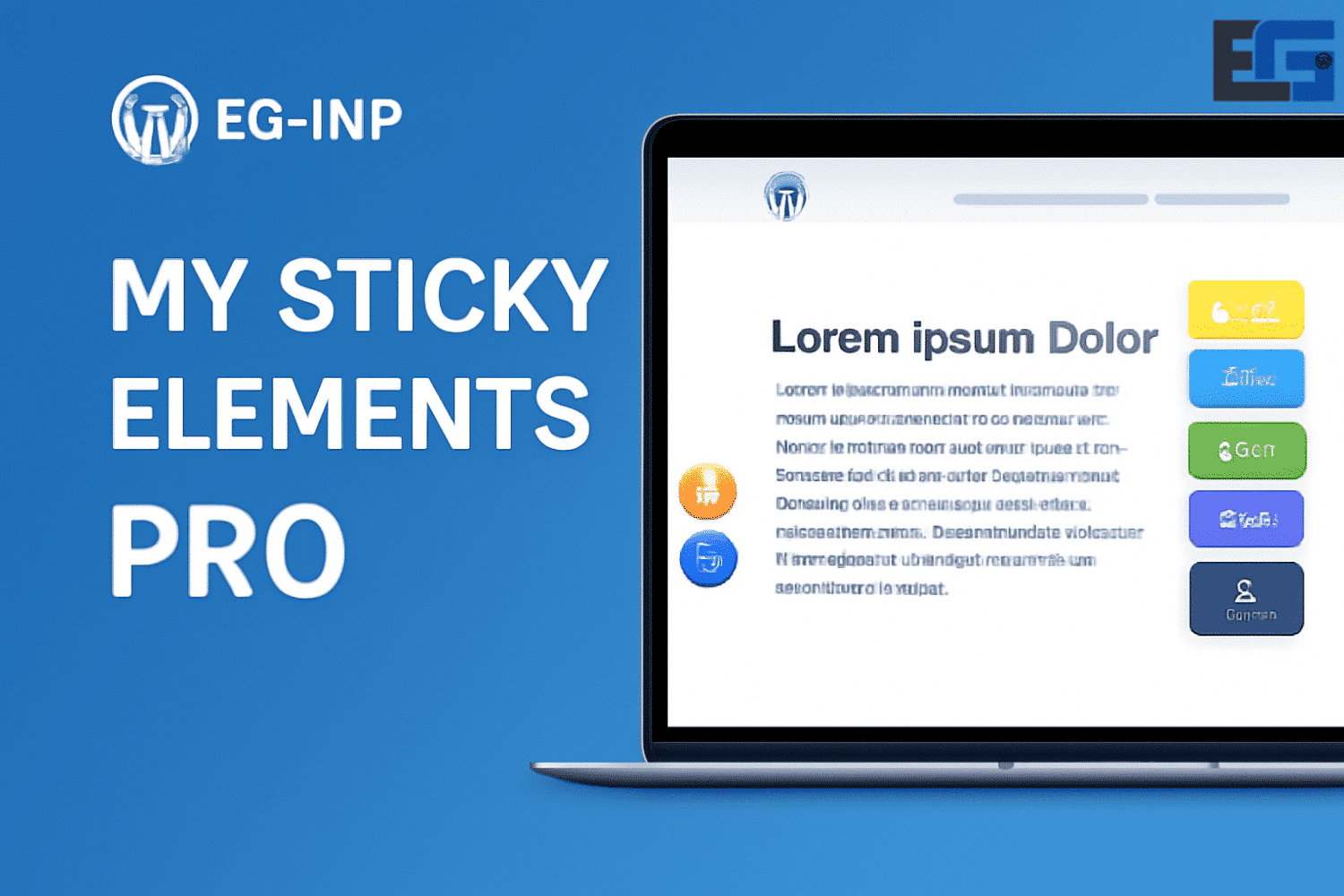
My Sticky Elements Pro
My Sticky Elements Pro – Overview
My Sticky Elements Pro is designed to enhance user interaction on websites by providing floating contact forms and social media icons.
It is a powerful plugin that boosts website functionality through essential tools for communication and engagement.
Key Features and Benefits of My Sticky Elements Pro
Floating contact forms:
The plugin lets you create floating contact forms that visitors can access easily, helping attract potential customers and inquiries effectively.
Multiple social media icons:
Supports more than 50 social media channels, allowing users to connect through platforms like WhatsApp, Facebook Messenger, Instagram, and more.
Customizable tabs:
Users can customize the look and behavior of tabs, including their position on the screen, colors, and input effects. This flexibility allows for a personalized user experience.
Pro version features:
Unlocks extra functionality such as unlimited tabs, advanced analytics, email lead capture, and integration with services like MailChimp and MailPoet.
Mobile optimization:
Built to work smoothly across desktop and mobile, ensuring a consistent experience regardless of device.
Easy integration:
Compatible with popular page builders such as Elementor, Divi, and Visual Composer, making it easy to integrate into existing websites.
Benefits of Using My Sticky Elements
Increased engagement:
By providing easy access to contact forms and social media channels, the plugin helps businesses communicate more effectively with their audience, potentially increasing conversions.
Lead generation:
Floating contact forms are designed to capture leads efficiently, helping businesses grow their customer base.
Mastering Sticky Elements with My Sticky Elements Pro
Introduction to Sticky Elements
Sticky elements are essential in modern website design, greatly enhancing user experience and interaction. Simply put, sticky elements are components that remain in place on the page even while scrolling, such as headers, navigation buttons, or call-to-action prompts.
A common use of sticky elements is in headers and menus, allowing quick navigation—especially in long articles or product pages. Likewise, keeping “Buy Now” or “Sign Up” buttons always visible increases conversion rates. This technique ensures critical elements remain accessible to users at all times.
My Sticky Elements Pro Features on eg-wp
- Flexible customization
- Full control over color, size, and position of sticky elements
- Scroll behavior customization (show, hide, or delay)
- Button and text customization to match brand identity
- Responsive on all screens
- Fully responsive design across mobiles, tablets, and desktops
- Sticky elements remain clear and usable on all devices
- Compatible with major CMS
- Works smoothly with WordPress, Joomla, and others
- No coding skills required to activate or customize
- Smart animation effects
- Includes scroll effects, delays, and appearance controls
- Attracts attention without disturbing user flow
- Improved UX and conversions
- Keeps contact buttons, purchase incentives, reminders, etc. always visible
- Increases interaction and improves website navigation
How to Install My Sticky Elements Pro
- Download the plugin: from the official site or a trusted plugin marketplace.
- Upload to WordPress:
- From Dashboard → Plugins → Add New → Upload Plugin.
- Select the installation file and activate after upload.
- Customize settings:
- Choose which elements you want sticky (headers, buttons, menus, etc.).
- Define when and how they appear (on scroll only, or from page entry).
- Design considerations:
- Place sticky elements without blocking main content.
- Ensure colors and fonts align with your website design.
Best Practices
- Avoid clutter: Don’t use too many sticky elements at once—give each one a clear purpose.
- Keep it practical: Elements like contact or purchase buttons should always be accessible without blocking content.
- Ensure device compatibility: Test on both mobile and desktop for smooth operation.
- Track interactions: Use tools like heatmaps to evaluate element effectiveness and adjust accordingly.
Conclusion
My Sticky Elements Pro is an essential tool for any website seeking to improve user experience and engagement.
With easy customization, full mobile support, and smart effects, it stands as one of the best sticky element plugins in the WordPress ecosystem.






No comment