






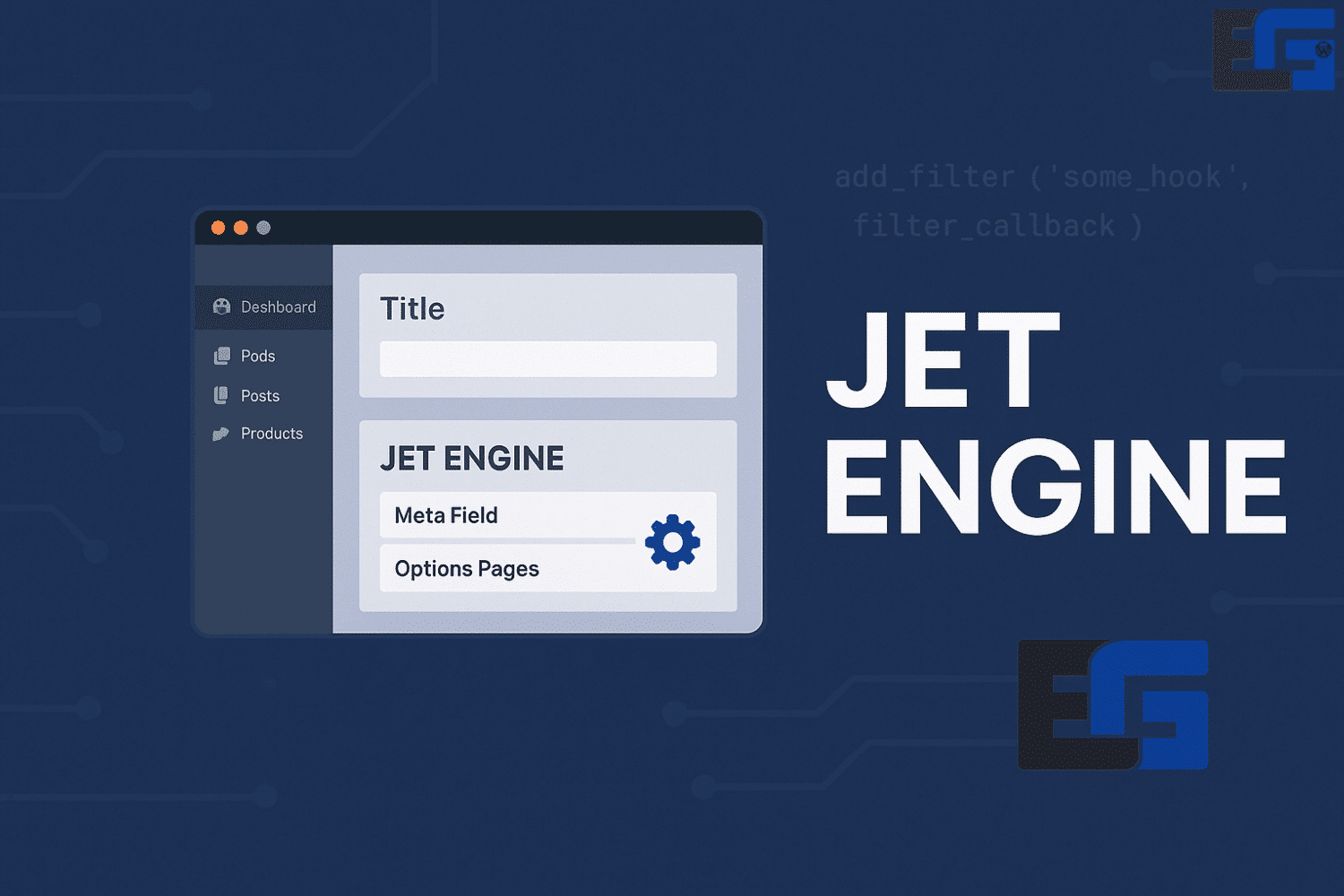
JetEngine
JetEngine is a powerful WordPress plugin designed to enhance Elementor’s functionality, allowing users to create dynamic content and custom post types without advanced coding knowledge.
It is especially valuable for developers and site owners who want to build complex websites with customized data structures.

Key Features and Benefits of JetEngine
Custom Post Types (CPT):
Enables users to create and manage custom post types for better content organization tailored to specific needs.
Dynamic Visibility:
Allows you to control the visibility of content based on custom conditions, improving user experience by showing or hiding elements dynamically.
Relationships:
Supports linking different content types—such as posts, custom content types, and users—essential for building interconnected data structures.
Meta Boxes:
Lets users create custom meta boxes to add extra fields to posts, enabling more detailed content management.
Dynamic Tools:
Provides various dynamic widgets that pull data from custom fields, making it easy to display dynamic content on your site.
Listing Templates:
Create templates that display dynamic data from custom fields for consistent design across similar items.
Query Builder:
Gives users the ability to create custom queries to fetch and display data based on specific conditions.
Profile Builder:
Includes tools for creating user profile pages, allowing registered users to manage their own information and content.
JetEngine – A Complete Guide for WordPress Users
What is JetEngine?
JetEngine is one of the most powerful WordPress plugins built to enhance Elementor’s features. It enables dynamic content creation, advanced management of custom post types (CPTs), taxonomies, and listings. With JetEngine, WordPress becomes more flexible and adaptable to your website’s unique requirements.
Importance of JetEngine in WordPress Development
Integrating JetEngine simplifies the process of creating advanced layouts and data structures without affecting speed or performance. It gives both developers and site owners powerful tools to build unique, custom websites without deep coding knowledge.
How to Use JetEngine Effectively
Using JetEngine is simple:
- Install and activate the plugin from your WordPress dashboard.
- After activation, you gain access to features like CPTs, custom fields, and dynamic listings.
- Build custom structures and integrate them with Elementor for complete design control.

Why JetEngine Stands Out
- Create and manage Custom Post Types (CPTs).
- Support for Repeater Fields.
- Build dynamic listings and display data flexibly.
- Full support for dynamic and variable data.
- Freedom to create multi-page designs.
- Perfect integration with Elementor Pro.
JetEngine on rosybrown-hawk-525785.hostingersite.com
- Official lifetime license (no recurring fees).
- Full Arabic-language support for customization assistance.
- Instant download with guides and resources.
- Full compatibility with Elementor and the Crocoblock ecosystem.
- Ideal for real estate, education, directories, and membership websites.
- Money-back guarantee if incompatibility or issues arise.
Conclusion
JetEngine is an essential plugin for anyone looking to create advanced, professional WordPress websites. With its support for CPTs, custom fields, dynamic data, and Elementor integration, it gives you the power to build flexible and feature-rich sites tailored to your business or project.
Available now on rosybrown-hawk-525785.hostingersite.com with lifetime licensing and Arabic technical support.
FAQ (Ranked by Importance)
1. What is JetEngine and who should use it?
JetEngine is a WordPress plugin for Elementor that enables dynamic content and custom post types. It’s ideal for developers and site owners building complex websites.
2. Do I need coding skills to use JetEngine?
No. JetEngine allows you to create custom post types, fields, and dynamic listings without programming knowledge.
3. What makes JetEngine different from other Elementor add-ons?
It offers advanced features like dynamic visibility, relationships between data types, query builder, and user profile builder—making it more powerful than standard design add-ons.
4. What kind of websites benefit most from JetEngine?
Real estate sites, educational platforms, directories, and membership websites where custom structures and dynamic data are essential.
5. Can JetEngine handle user profiles?
Yes. It includes a profile builder that lets registered users manage their personal information and content.
6. How does JetEngine improve content management?
By allowing you to add custom meta boxes, repeater fields, and dynamic queries, making data organization and display highly flexible.
7. Is JetEngine compatible with Elementor Pro?
Yes, it integrates perfectly with Elementor Pro and the Crocoblock ecosystem.
8. What licensing and support does rosybrown-hawk-525785.hostingersite.com offer for JetEngine?
It provides a lifetime official license, Arabic-language technical support, instant download, and refund guarantee in case of issues.






No comment