







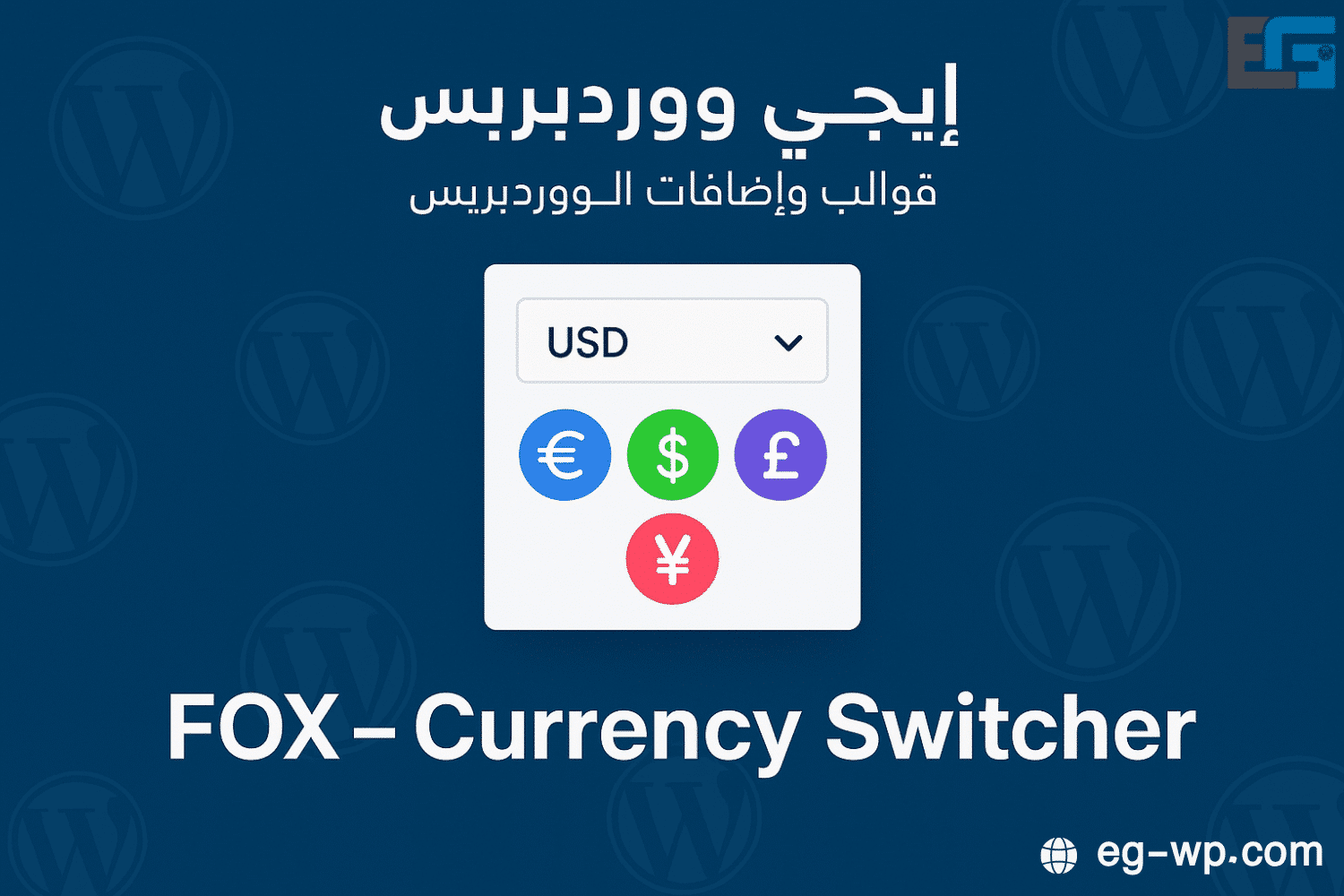
FOX – Currency Switcher
What is FOX – Currency Switcher?
FOX – Currency Switcher is an advanced tool designed to improve the shopping experience on websites, especially stores targeting a global audience. It lets users switch between multiple currencies smoothly, helping shoppers understand prices better and make purchase decisions more easily.

The add-on integrates seamlessly with your site’s CMS, detects visitors’ geolocation, and shows product prices in their local currency. This reduces the need to manually look up exchange rates and enhances usability.
From a business perspective, showing local currency prices can increase conversion rates and reduce cart abandonment. When shoppers can pay in their preferred currency without friction, they feel more confident completing checkout.
In short, FOX – Currency Switcher is a powerful way to deliver a streamlined, globally friendly shopping experience that positively impacts your store’s performance.
Why a Currency Switcher Matters in eCommerce
For stores that attract international shoppers, currency conversion options are essential. Global customers often struggle to interpret foreign prices. An effective currency switcher removes that barrier by displaying prices in the shopper’s preferred currency—accurately and instantly—so they can make informed purchase decisions.
Accurate, transparent exchange information also builds trust. When customers feel the pricing is fair and reliable, they are more likely to return and recommend your store. In global commerce, that trust is critical.
How to Install FOX – Currency Switcher
- Log in to your site dashboard and go to Plugins.
- Search for “Fox – Currency Switcher.”
- Verify compatibility and details, then click Install Now.
- After installation, click Activate.
- Open the plugin Settings to configure supported currencies, display options, and how the switcher appears to customers.
- Test the shopping flow to ensure switching works correctly before going live.
Configuring FOX Currency Settings
Choose which currencies to display based on your target markets. You can add/remove currencies, enable live exchange rates, and adjust how prices appear. Customizing the UI (colors, fonts, placement) helps the switcher match your brand and remain simple to use—simplicity here directly supports conversions.
Providing extras like historical conversion info can further reassure users and reduce hesitation at checkout.
Enhancing UX with FOX – Currency Switcher
- Keep the switcher easy to find (header toolbar, top bar, or a clearly labeled menu).
- Use familiar currency symbols/codes.
- Ensure fast, accurate price conversions to prevent confusion.
- Clarify shipping options and total costs in the selected currency, and list accepted payment methods and currencies to set correct expectations.
These practices raise satisfaction and conversion while helping attract and retain international customers.
Challenges to Consider
- Fluctuating exchange rates: Use frequent or real-time updates to keep prices accurate.
- Accurate data storage: Ensure pricing and currency data are stored consistently to avoid conflicts or customer frustration.
- Operational complexity: Multiple currencies increase configuration complexity. Automate rate updates and provide a straightforward UI to simplify management.
Tackling these points improves the reliability and impact of your currency switcher.
Success Stories
- ShopGlobal: After adding FOX – Currency Switcher, international sales rose by ~30% in three months, thanks to local-currency transparency.
- TravelEssence: Saw a 20% increase in international inquiries and bookings after enabling local-currency pricing.
- FashionFusion: Revenues increased by ~25% as global customers found it easier to shop in their own currency.
These examples show FOX is more than a nice-to-have—it’s a competitive advantage.
Looking Ahead: Potential Enhancements
- Support for cryptocurrencies (e.g., BTC, ETH) to attract a broader audience.
- Further UX refinements for simpler currency selection and personalized display options.
- Ongoing alignment with global/local payment trends and integrations to keep the experience modern and compliant.
Conclusion
FOX – Currency Switcher can dramatically improve your store’s global shopping experience. Showing prices in local currencies increases trust, reduces friction, and drives conversions—while helping you expand into new markets confidently. For any store aiming to grow internationally, FOX is a strategic, high-impact addition.
Meet Fox: The Ideal Currency Converter
Introduction
Fox is a modern currency converter built for fast, accurate conversions. It serves travelers, e-commerce shoppers, businesses, and expats who need up-to-date exchange rates and seamless conversions.
Key Features
- Live exchange rates via advanced algorithms.
- Simple, intuitive UI for all skill levels.
- Broad currency coverage (major and niche).
- Cross-device compatibility (desktop, mobile, tablet).
- Favorite pairs for quick access.
- Integrations with eCommerce and business tools.
How to Use
- Visit the official site or app.
- Sign up or log in.
- Select the two currencies.
- Enter an amount to get instant results.
- Save frequent pairs for future use.
Benefits
- High accuracy with live data.
- Time savings for frequent users.
- Excellent UX.
- Competitive versus other tools (precision, ease, integrations).
Real-World Use
- Travelers: budget planning and local price understanding.
- Global businesses: accurate pricing and cross-border payments.
- Investors: analyze returns and volatility vs. FX moves.
Trust & Security
- Advanced encryption, strict privacy, and regulatory compliance.
Roadmap
- More currencies, AI-based rate forecasting, personalized UX, and educational resources.
Bottom Line
Fox is an essential tool for anyone managing currency conversions with confidence and speed.
Why Choose FOX on rosybrown-hawk-525785.hostingersite.com (WooCommerce)
- Ideal WooCommerce integration: auto-shows prices in the visitor’s currency.
- Better UX for Arabic & international users: multilingual/multi-currency support.
- Easy install & setup: no coding required.
- Higher conversions & sales: confidence from local-currency pricing.
- Responsive support & frequent updates.
Recommendation: adopt FOX as part of your store strategy on rosybrown-hawk-525785.hostingersite.com to improve financial performance and deliver a more professional user experience.






No comment