







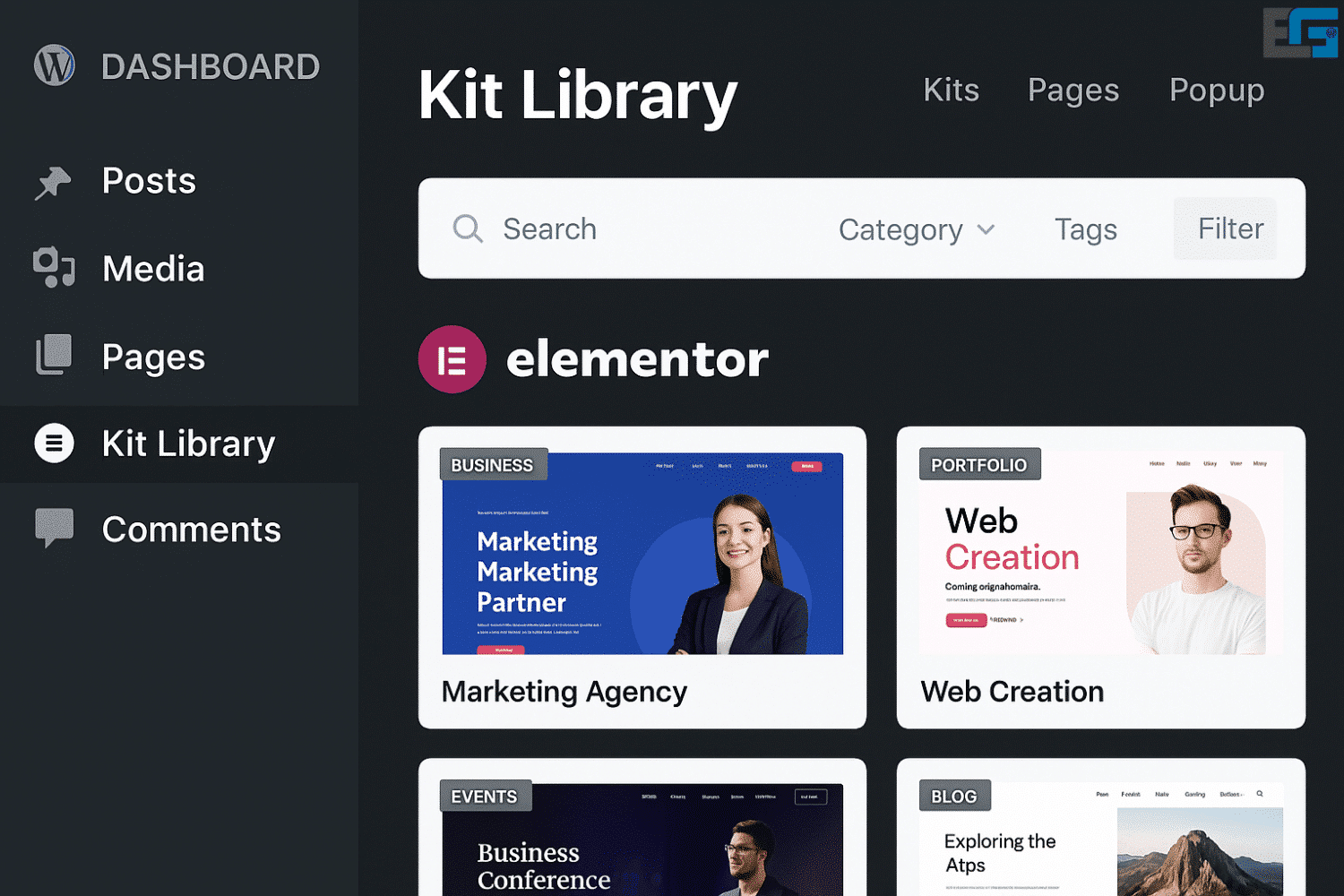
Elementor Kit Library
Kit Library Elementor is a library containing a collection of ready-made templates and design elements that you can use to build web pages and websites with Elementor.

It offers many advantages and benefits for users, including:
Kit Library Elementor
Save time and effort:
Instead of building every design component from scratch, you can use ready-made items from the Kit Library and customize them to your needs—saving significant time and effort in both design and development.
Professional design:
Kits feature modern, attractive designs you can use to create beautiful pages and websites. Using these professional templates and elements ensures your site looks distinctive and appealing to visitors.
Extensive customization:
Although kits and elements are ready to use, they provide great flexibility. You can adjust colors, typography, layouts, and content to match your requirements and brand identity.
Creativity boost:
With the Kit Library, you can draw inspiration from ready ideas, remix sections, and tailor them to craft unique, innovative experiences—refreshing your design thinking and enabling varied outcomes.
Better user experience:
Using prebuilt kits and elements helps you build intuitive interfaces faster—enhancing UX, responsiveness, and interactivity.
Elementor Kit Library — Your “magic” toolbox for building stunning sites quickly
In web design, speed and professionalism are not optional—they’re essential. As Elementor—the most popular visual builder for WordPress—grows, the need for an easy way to assemble and organize ready designs has become clear. That’s the role of the Kit Library (a.k.a. “Site Kits”), which represents the future of website creation in a simple, fast, and efficient way.
This article covers everything you need to know about the Kit Library in Elementor: what it is, its benefits, and how to use it to accelerate projects and achieve professional results without deep technical skills.
What is the Kit Library in Elementor?
The Kit Library is a large collection of ready designs offered by Elementor, including:
- Full, professionally designed pages (Home, About, Contact, …)
- Prebuilt parts such as Headers and Footers
- Multi-section pages
- Mobile-friendly layouts
- Niche site kits (Restaurants, Business, Medical, Travel, eCommerce, etc.)
Most importantly, you can import any kit with a click and customize it as needed.
Why the Kit Library matters
Because it gives you:
- Time savings: import a complete site, then adjust—no need to start from zero.
- Professionalism: visuals and UX are cohesive and well thought out.
- Inspiration: jumpstart ideas with curated patterns.
- Flexibility: mix and match multiple kits or sections in a single project.
Key features of the Elementor Kit Library
1) Diverse, ready designs
Whether you’re building a site for a lawyer, hotel, online shop, or personal blog, you’ll find a suitable kit. Categories include Business, Education, Health, eCommerce, Travel, Interior Design, and more.
2) 100% Elementor integration
Because the library is built by the Elementor team, compatibility is seamless. Every section can be edited via drag-and-drop—no code required.
3) Fast, easy import
Import a full site kit or just a specific page (e.g., the homepage) with one click. After import, everything is ready to tweak: images, copy, colors, even fonts.
4) Fully responsive design
All kits are responsive across desktop, tablet, and mobile—improving UX and helping with search performance.
5) Built with UX & SEO in mind
Kits follow best practices for layout, speed, and usability—supporting solid SEO and Core Web Vitals outcomes.
Kit Library vs Template Library
Some ask about the difference between Kit Library and Elementor’s Template Library.
| Feature | Kit Library | Template Library |
|---|---|---|
| Includes full, cohesive site pages | ✅ | ❌ |
| Includes headers, footers, and sections | ✅ | ✅ |
| Unified design system/brand consistency | ✅ | ❌ |
| Targeted for specific site types | ✅ | ❌ |
| Requires manual assembly of many pieces | ❌ | ✅ |
In short: use Kit Library to start from a complete, cohesive site; use Template Library to craft individual sections.
How to use the Kit Library in Elementor (quick steps)
- Open the Elementor editor
Create a new page and open it with Elementor. - Click “Kit Library”
Find it at the top within the templates interface. - Browse designs
Filter by category (Health, Travel, Business, etc.). - Click “Import / Apply Kit”
Choose Full Site to import an entire site or Single Page for one page. - Customize
Replace text, images, colors, and fonts to match your brand.
When should you use the Kit Library?
- Freelance developers who need to ship quickly
- Agencies building multiple sites on tight timelines
- Beginners seeking a professional starting point
- Projects with limited budgets that still require high-quality design
Ongoing support & updates
The Kit Library is officially maintained by the Elementor team—new kits and improvements are added regularly, along with compatibility updates for WordPress and Elementor.
Free or paid?
Some kits are available with the free version of Elementor, but the majority of premium kits require Elementor Pro. A Pro subscription unlocks dozens of professional designs created specifically for production-grade sites.






No comment