






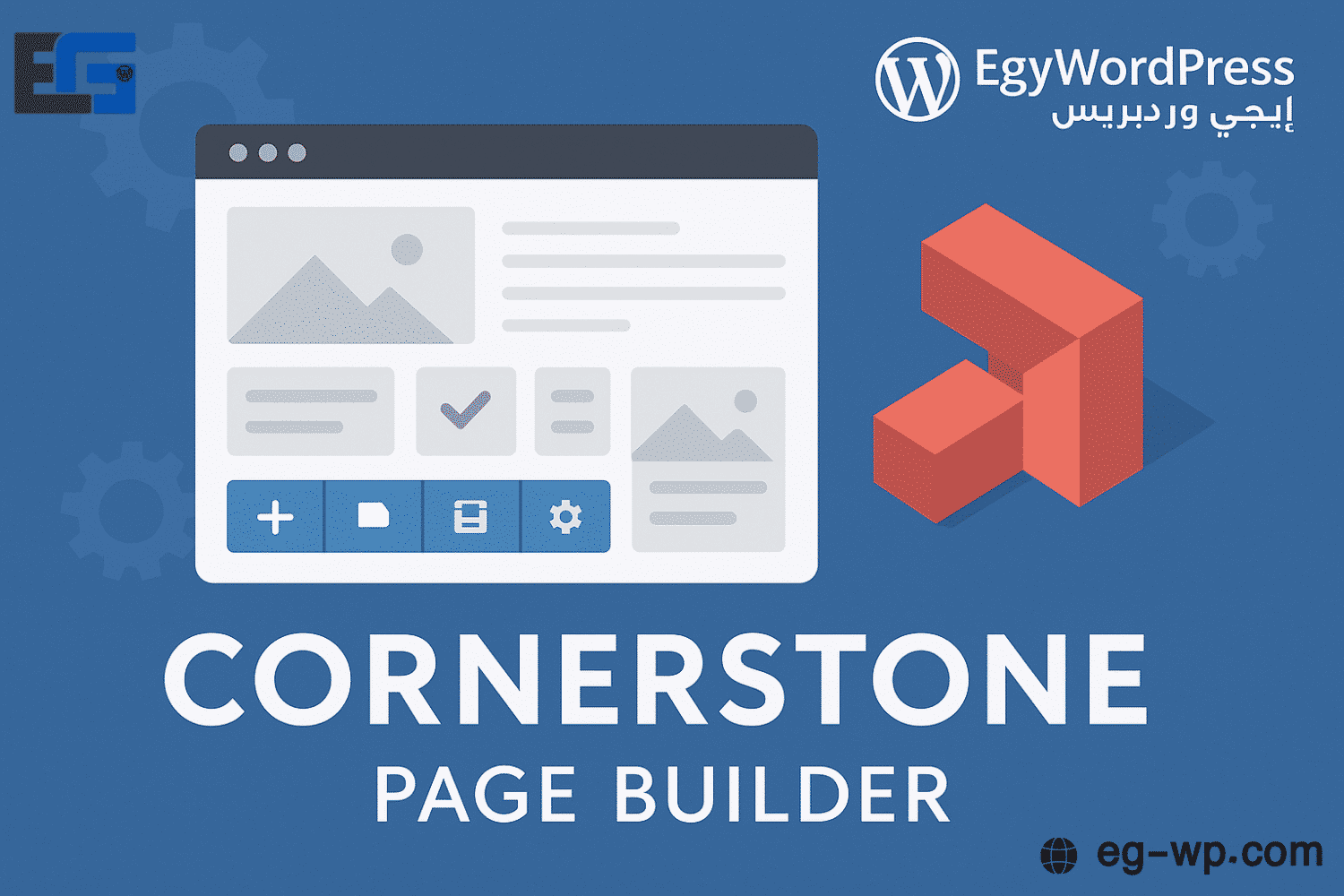
Cornerstone Page Builder
Cornerstone Page Builder is a popular plugin for building WordPress pages.
It offers a drag-and-drop interface that allows you to easily create and customize web pages without any coding knowledge.

Key Features of Cornerstone Page Builder
Intuitive Drag-and-Drop Interface
Cornerstone provides a user-friendly interface where you can design pages by simply dragging and dropping elements onto the canvas. You can easily rearrange elements, resize them, and customize their settings.
Content Elements
The plugin comes with a wide library of content elements, such as text blocks, images, videos, sliders, buttons, forms, testimonials, pricing tables, and more. Each element can be fully customized to match your design and functionality needs.
Layout Options
You have full control over your page layout. Choose from pre-designed structures or create your own custom layouts. Cornerstone supports both fixed and flexible grid systems, ensuring responsive designs that adapt across all screen sizes.
Pre-Built Templates
Cornerstone includes a library of ready-to-use templates for different page types and industries. These templates save time and effort, giving you a professional starting point for your design.
The Complete Guide to Cornerstone Page Builder: Drag-and-Drop Design Power
Introduction
Cornerstone Page Builder is a powerful website design tool built to simplify the process for both developers and beginners with no coding skills. Using a visual drag-and-drop editor, it allows users to build beautiful, responsive pages without writing a single line of code.
With its intuitive interface, Cornerstone has become a favorite among WordPress developers who seek flexible, easy-to-use solutions for professional site design.
Key Benefits of Cornerstone for eg-wp
- Smooth, beginner-friendly UI – design pages with no technical experience.
- Live editing with instant preview – see changes in real time.
- Huge element library – buttons, galleries, testimonials, pricing tables, and more.
- Customizable templates – start with a ready design and tweak it to fit your needs.
- Seamless WordPress integration – works best with X Theme and most plugins.
- Advanced options – custom CSS, global styling, responsive controls.
- Third-party integration support – for extra functionality.
- RTL support – perfect for Arabic websites.
Getting Started with Cornerstone
- Make sure your WordPress site is up-to-date.
- Install the plugin: Dashboard > Plugins > Add New > Search “Cornerstone” > Install > Activate.
- Access it from the Cornerstone section in your dashboard.
- Create a new page > Click “Edit with Cornerstone” to start designing.
Understanding the Interface
- Top bar: Save, preview, and settings.
- Sidebar: Contains all drag-and-drop elements (text, images, videos, buttons).
- Live canvas: Build pages visually with instant editing.
- Element settings: Customize color, size, alignment, and fonts.
Designing a Page with Cornerstone
- Open a new page in WordPress.
- Click “Edit with Cornerstone.”
- Choose a pre-built template or start blank.
- Drag and drop elements into position.
- Customize each element’s design and settings.
- Preview for responsiveness across devices.
- Hit Publish to make the page live.

Advanced Customization Techniques
- Custom CSS: Fine-tune elements with precision.
- Global Styles: Apply unified colors, fonts, and spacing site-wide.
- Responsive Design: Control layouts separately for desktop, tablet, and mobile.
Third-Party Plugin Integration
Cornerstone supports integration with:
- Essential Addons & Ultimate Addons – add interactive boxes, advanced tables, etc.
- Performance plugins like WP Rocket or Autoptimize – optimize site speed.
- WooCommerce & Contact Form 7 – full compatibility with popular plugins.
Troubleshooting Common Issues
- Plugin conflicts – deactivate all plugins and reactivate them one by one.
- Browser issues – update browser, clear cache.
- Slow performance – compress images, enable lazy loading, use strong hosting.
Conclusion: Why We Recommend Cornerstone
Cornerstone is more than just a page builder — it’s a complete design system that gives you:
- Full creative freedom for professional websites.
- Excellent responsive design support.
- Huge time savings with ready-made elements and templates.
- Perfect compatibility with the WordPress ecosystem.
At eg-wp, we strongly recommend Cornerstone Page Builder for anyone looking to create a modern, responsive, and highly customizable website — whether you’re a beginner or a professional developer.
Would you like me to also prepare a comparative article (Cornerstone vs Elementor vs WPBakery) for rosybrown-hawk-525785.hostingersite.com to capture more SEO traffic?






No comment