




WordPress 7: Everything You Need to Know About the Biggest Evolution of the World’s Most Popular CMS
When WordPress powers more than 43% of all websites on the internet, every major version release has a significant impact on website owners, developers, agencies, freelancers, and online businesses.
WordPress has consistently evolved from a simple blogging platform into a complete website-building ecosystem capable of powering everything from personal blogs and portfolio sites to enterprise websites and global eCommerce stores.
WordPress 7 continues that tradition by introducing substantial improvements in performance, design flexibility, security, developer experience, and content creation. Whether you’re running WooCommerce, a business website, a membership platform, or a custom web application, understanding the new features can help you build faster, safer, and more scalable websites.
At EG-WP, we specialize in helping WordPress users unlock premium functionality through affordable plugin and theme activations. Staying updated with every major WordPress release ensures your website remains compatible, secure, and optimized for the latest technologies.
In this comprehensive guide, we’ll explore everything you need to know about WordPress 7, including:
- The most important new features
- Performance improvements
- Security enhancements
- Block Editor updates
- Developer-focused improvements
- Plugin and theme compatibility
- Upgrade recommendations
- Best practices after updating
Whether you’re a beginner or an experienced WordPress professional, this guide will help you take full advantage of WordPress 7.
Why WordPress 7 Matters
Every WordPress major release represents thousands of hours of work contributed by developers from around the world. Unlike proprietary CMS platforms, WordPress is an open-source project maintained by a global community of contributors, making each version a collaborative effort focused on improving usability, accessibility, performance, and security.
The impact of WordPress updates extends far beyond individual websites.
According to W3Techs, WordPress powers over 43% of all websites and holds more than 60% of the CMS market share, making it the dominant content management system worldwide.
This means that improvements introduced in WordPress 7 have the potential to affect millions of businesses and website owners.
For store owners using WooCommerce, bloggers relying on premium themes, agencies managing hundreds of client websites, and developers building custom solutions, upgrading to WordPress 7 isn’t simply about getting new features—it’s about maintaining compatibility with the future of the WordPress ecosystem.
WordPress 7 at a Glance
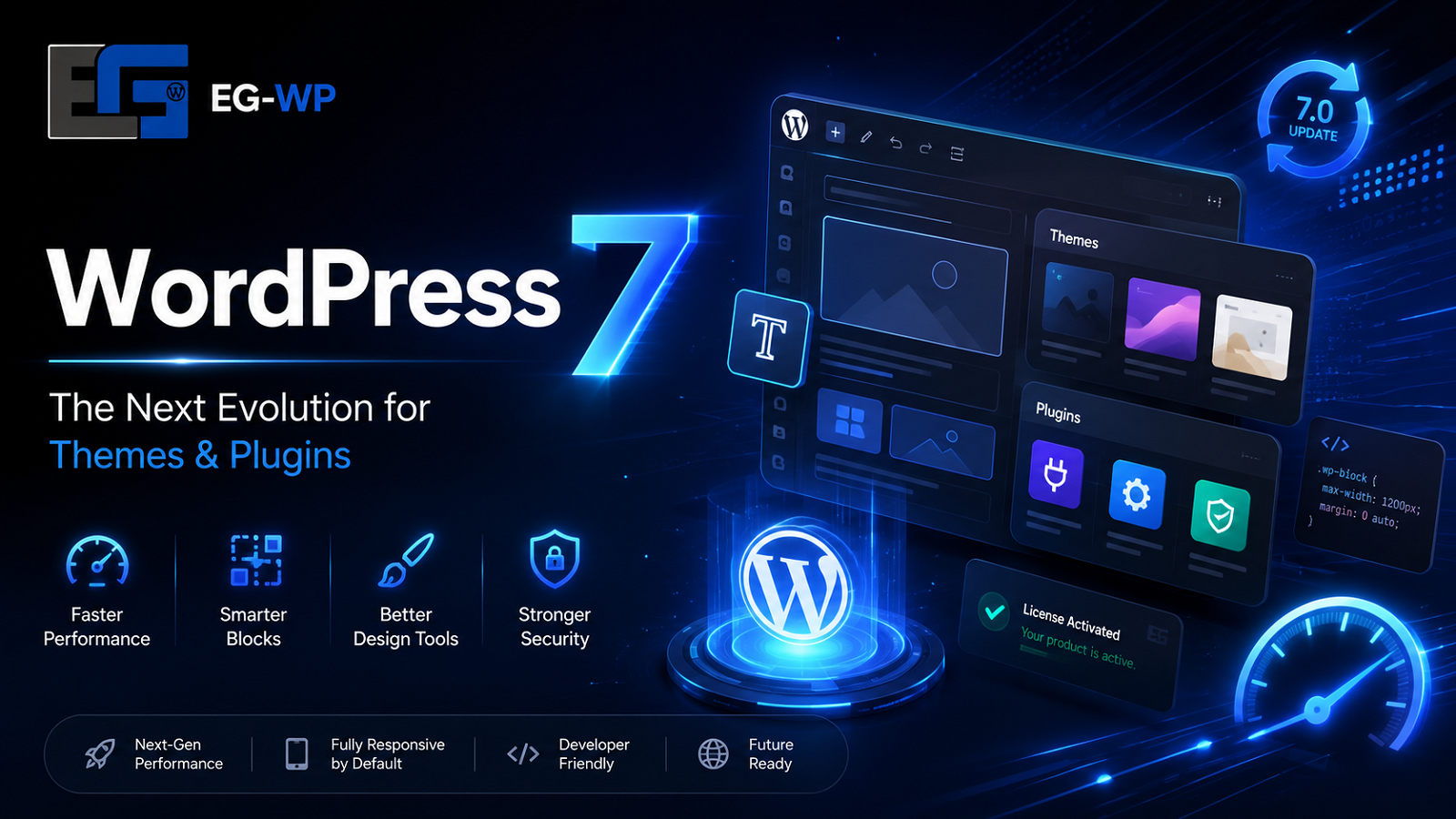
WordPress 7 focuses on five major areas:
1. Faster Performance
Website speed continues to be one of Google’s most important ranking factors.
WordPress 7 introduces improvements designed to reduce page generation times, optimize editor performance, and improve frontend responsiveness.
Benefits include:
- Faster dashboard loading
- Improved database efficiency
- Better asset loading
- Reduced JavaScript execution
- Smarter caching support
For website owners, these optimizations can translate into faster page loads, improved Core Web Vitals, and a better user experience.
2. Better Site Editing
The Site Editor continues to mature with each release.
WordPress 7 expands Full Site Editing (FSE), giving users more visual control over:
- Headers
- Footers
- Templates
- Template Parts
- Navigation
- Global Styles
Instead of editing PHP files, users can customize nearly every aspect of their website through the visual editor.
This makes professional website design more accessible without sacrificing flexibility for developers.
3. Improved Block Editor
The Gutenberg editor has become one of WordPress’s biggest strengths.
WordPress 7 introduces enhancements that make content creation smoother, including:
- Better drag-and-drop functionality
- Improved typography controls
- Enhanced spacing tools
- More responsive design options
- Better block management
- Improved reusable patterns
These improvements reduce the need for third-party page builders in many situations.
4. Enhanced Security
Security remains one of the highest priorities for every website owner.
With cyberattacks becoming increasingly sophisticated, WordPress continues strengthening its core platform.
WordPress 7 improves several security-related components, including:
- Better authentication handling
- Stronger password management
- Updated dependency libraries
- Improved API security
- Hardened permission validation
Of course, maintaining security still depends on keeping plugins, themes, and PHP versions updated alongside WordPress itself.
5. Better Developer Experience
Developers benefit from numerous behind-the-scenes improvements.
These include enhancements to:
- Block APIs
- Theme development
- Performance APIs
- REST API functionality
- Interactivity tools
- Coding standards
These updates make it easier to build modern WordPress websites that are both faster and easier to maintain.
How WordPress 7 Benefits Different Types of Users
Bloggers
Content creators enjoy a more intuitive editing experience, faster publishing workflows, and richer formatting capabilities.
The improved editor reduces distractions while making complex layouts easier to create without coding.
WooCommerce Store Owners
For eCommerce businesses, performance improvements are especially valuable.
Faster websites can lead to:
- Better user experience
- Lower bounce rates
- Higher conversion rates
- Improved mobile performance
- Better SEO rankings
Store owners should also ensure their premium plugins and themes remain fully compatible after upgrading. Using properly maintained activations and regularly updated extensions helps minimize compatibility issues and keeps stores running smoothly.
Agencies
Web agencies managing multiple client websites benefit from:
- Easier maintenance
- Better stability
- Improved development workflows
- Enhanced Site Editor capabilities
- More efficient template management
These improvements reduce development time while giving clients more flexibility to manage their own content.
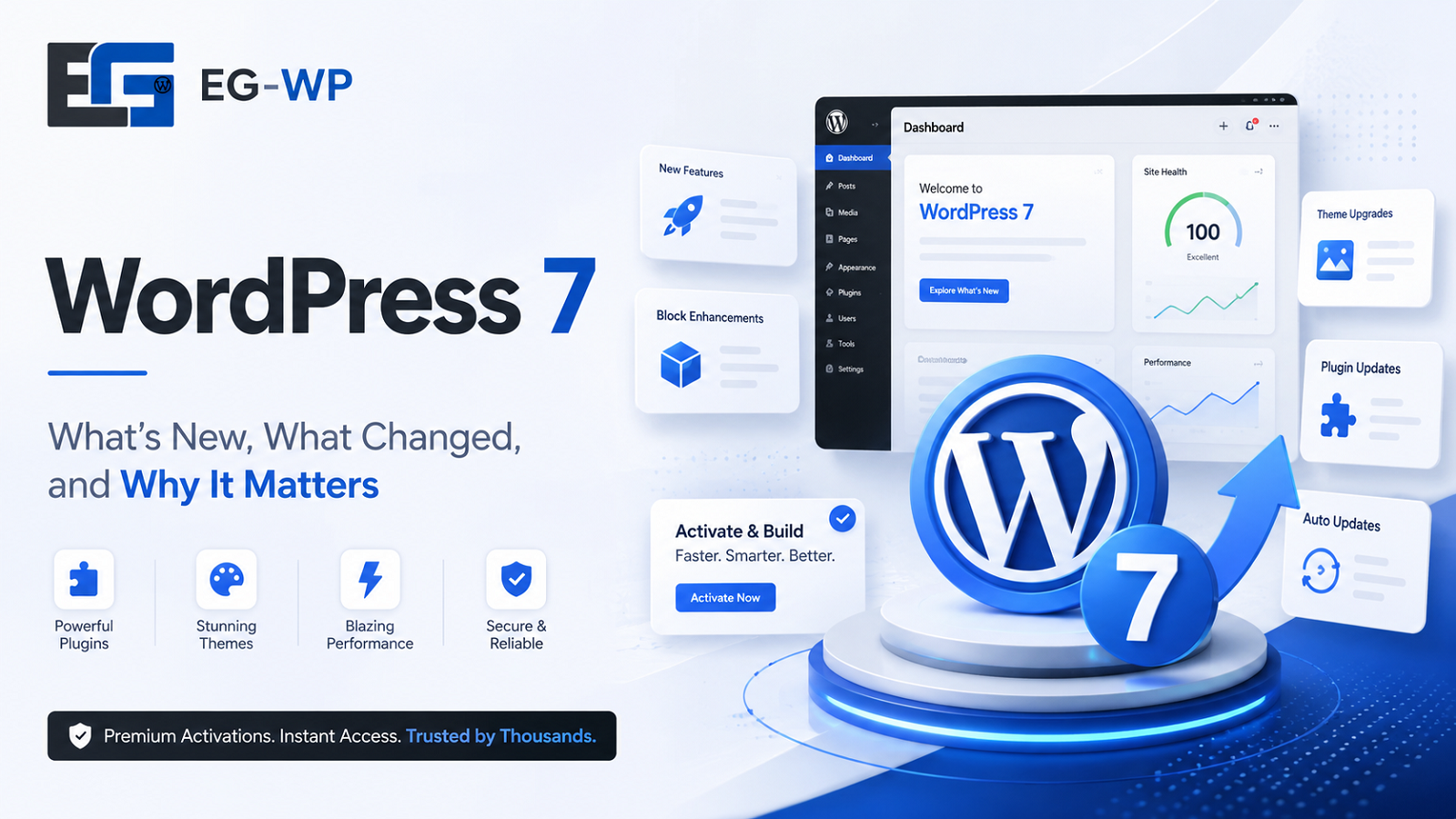
Performance Improvements in WordPress 7
Website speed has become one of the most important factors for user experience, search engine rankings, and conversion rates. WordPress 7 introduces several under-the-hood improvements that make both the WordPress dashboard and front-end websites feel noticeably faster.
Rather than relying on a single optimization, WordPress 7 improves performance across multiple layers of the platform.
A Faster WordPress Dashboard
One of the first changes users notice after upgrading is the improved responsiveness of the WordPress admin area.
WordPress 7 introduces smoother page transitions in the dashboard, reducing the perception of loading delays while navigating between Posts, Pages, Media, Plugins, and Settings. These improvements create a more modern administrative experience without requiring additional plugins.
For agencies managing dozens of client websites, even small improvements in dashboard responsiveness can save significant time over the course of a year.
Improved Editor Performance
The Block Editor (Gutenberg) continues to receive substantial performance enhancements.
WordPress 7 makes editing large pages more efficient by improving:
- Block rendering
- Pattern loading
- Template editing
- Global Styles management
- Block selection responsiveness
Users working with long-form articles, landing pages, or WooCommerce product descriptions should experience smoother editing with fewer delays.
Better Asset Loading
Modern websites often include dozens of CSS and JavaScript files.
WordPress 7 continues optimizing how these assets are loaded by reducing unnecessary requests and improving dependency handling. These changes contribute to faster rendering without requiring website owners to make manual adjustments.
When combined with:
- High-quality hosting
- Image optimization
- Page caching
- CDN services
- Lightweight themes
WordPress 7 provides an even stronger foundation for building fast websites.
Why Speed Matters for SEO
Google has repeatedly emphasized the importance of page experience.
Fast-loading websites generally benefit from:
- Lower bounce rates
- Longer session durations
- Higher engagement
- Better mobile usability
- Improved conversion rates
While no WordPress update can guarantee higher rankings on its own, improved performance helps create the technical foundation needed for strong SEO.
WordPress 7 and Core Web Vitals
Google’s Core Web Vitals remain a key part of measuring user experience.
The three primary metrics include:
Largest Contentful Paint (LCP)
Measures how quickly the main content becomes visible.
A faster theme, optimized images, and improved server response times all contribute to better LCP scores.
Interaction to Next Paint (INP)
INP evaluates how responsive a website feels when users interact with it.
Reducing unnecessary JavaScript and improving frontend responsiveness can significantly improve this metric.
Cumulative Layout Shift (CLS)
CLS measures visual stability.
WordPress 7 continues encouraging better block layouts and more predictable rendering, helping developers build pages that shift less during loading.
Although WordPress Core provides the framework, plugin quality still plays an enormous role.
Premium themes and well-maintained plugins remain essential for achieving excellent Core Web Vitals.
At EG-WP, we recommend using actively maintained premium plugins and themes that are regularly updated for compatibility with the latest WordPress releases.
Better Plugin Compatibility
One concern website owners have with every major WordPress release is plugin compatibility.
Fortunately, WordPress maintains a strong commitment to backward compatibility.
Most actively maintained plugins update quickly after each major release, ensuring compatibility with new APIs and editor improvements.
Before upgrading, website owners should always:
- Create a complete backup.
- Update plugins first.
- Update themes.
- Verify PHP compatibility.
- Test staging environments when possible.
This process minimizes downtime and reduces the likelihood of unexpected issues.
Theme Improvements in WordPress 7
Themes continue evolving alongside Full Site Editing.
WordPress 7 offers more flexibility for block themes, making it easier to create consistent designs without editing PHP template files.
Some notable improvements include:
- Better template management
- Improved style variations
- Enhanced typography controls
- More flexible spacing options
- Better navigation editing
- Improved template part organization
These enhancements allow designers to build sophisticated websites using native WordPress tools rather than relying entirely on third-party page builders.
Why Premium Themes Still Matter
Although WordPress Core has become significantly more powerful, premium themes continue offering substantial value.
Professional themes typically include:
- Optimized layouts
- Better responsiveness
- Advanced customization
- WooCommerce integration
- Regular updates
- Dedicated support
- Performance optimization
Choosing a reputable premium theme ensures your website takes full advantage of WordPress 7’s capabilities while maintaining excellent compatibility.
WordPress 7 and WooCommerce
WooCommerce remains the world’s most popular eCommerce platform, and WordPress 7 provides an even stronger foundation for online stores.
Performance improvements benefit nearly every aspect of an eCommerce website, including:
- Faster product browsing
- Improved checkout responsiveness
- Better category navigation
- Enhanced search experiences
- Quicker dashboard management
Store owners should always verify that WooCommerce extensions and payment gateways are updated before performing a major WordPress upgrade.
For websites using premium WooCommerce plugins or commercial themes, maintaining current versions is essential to ensure compatibility with new WordPress releases.
The Numbers Behind WordPress
Understanding WordPress’s market position helps explain why every major release receives so much attention.
According to W3Techs:
- WordPress powers approximately 41.5% of all websites on the internet.
- Among websites using a content management system, WordPress holds roughly 59.3% market share.
- Within weeks of its release, WordPress 7 accounted for nearly 30% of WordPress-powered websites, demonstrating rapid adoption across the community.
These statistics reinforce why plugin developers, theme authors, hosting companies, and agencies prioritize compatibility with each new WordPress version.
For businesses, staying current isn’t simply about accessing new features—it’s about remaining part of an ecosystem that continues to evolve and improve at an unmatched scale.
Security Enhancements in WordPress 7
Security remains one of the primary reasons to keep your WordPress installation up to date. Every major release includes fixes for bugs, improvements to existing APIs, and updates to third-party libraries that help protect websites from newly discovered vulnerabilities.
While WordPress Core is known for its strong security record, the overall security of a website also depends on the plugins, themes, hosting environment, and user practices.
WordPress 7 continues improving the platform through:
- Stronger validation for user input
- Updated JavaScript and PHP dependencies
- Improved REST API consistency
- Better permission and capability checks
- Enhanced compatibility with modern PHP versions
These improvements help reduce potential attack surfaces while giving developers more secure tools to build custom functionality.
Best Practices After Upgrading to WordPress 7
Updating WordPress is only the first step. Following a few best practices ensures your website continues to perform reliably.
1. Back Up Your Website
Before applying any major update, create a complete backup of:
- Your WordPress database
- Media uploads
- Themes
- Plugins
- Configuration files
A recent backup allows you to restore your site quickly if anything unexpected occurs.
2. Update Plugins and Themes
Outdated plugins and themes are among the most common causes of compatibility issues and security vulnerabilities.
After upgrading WordPress:
- Install the latest versions of all plugins.
- Update your active theme.
- Remove unused plugins and themes.
- Check each developer’s changelog for compatibility notes.
Keeping your extensions current helps you take full advantage of WordPress 7’s new capabilities.
3. Verify PHP Compatibility
WordPress performs best on supported PHP versions.
Using a recent PHP release provides:
- Better performance
- Improved memory efficiency
- Enhanced security
- Continued compatibility with modern plugins and themes
If you’re unsure which PHP version your hosting provider is using, check your hosting control panel or ask their support team.
4. Test Your Website
After updating, review your site’s most important functionality:
- Homepage
- Navigation menus
- Contact forms
- WooCommerce checkout
- Search functionality
- Login and registration pages
- Mobile responsiveness
Catching issues early prevents disruptions for your visitors.
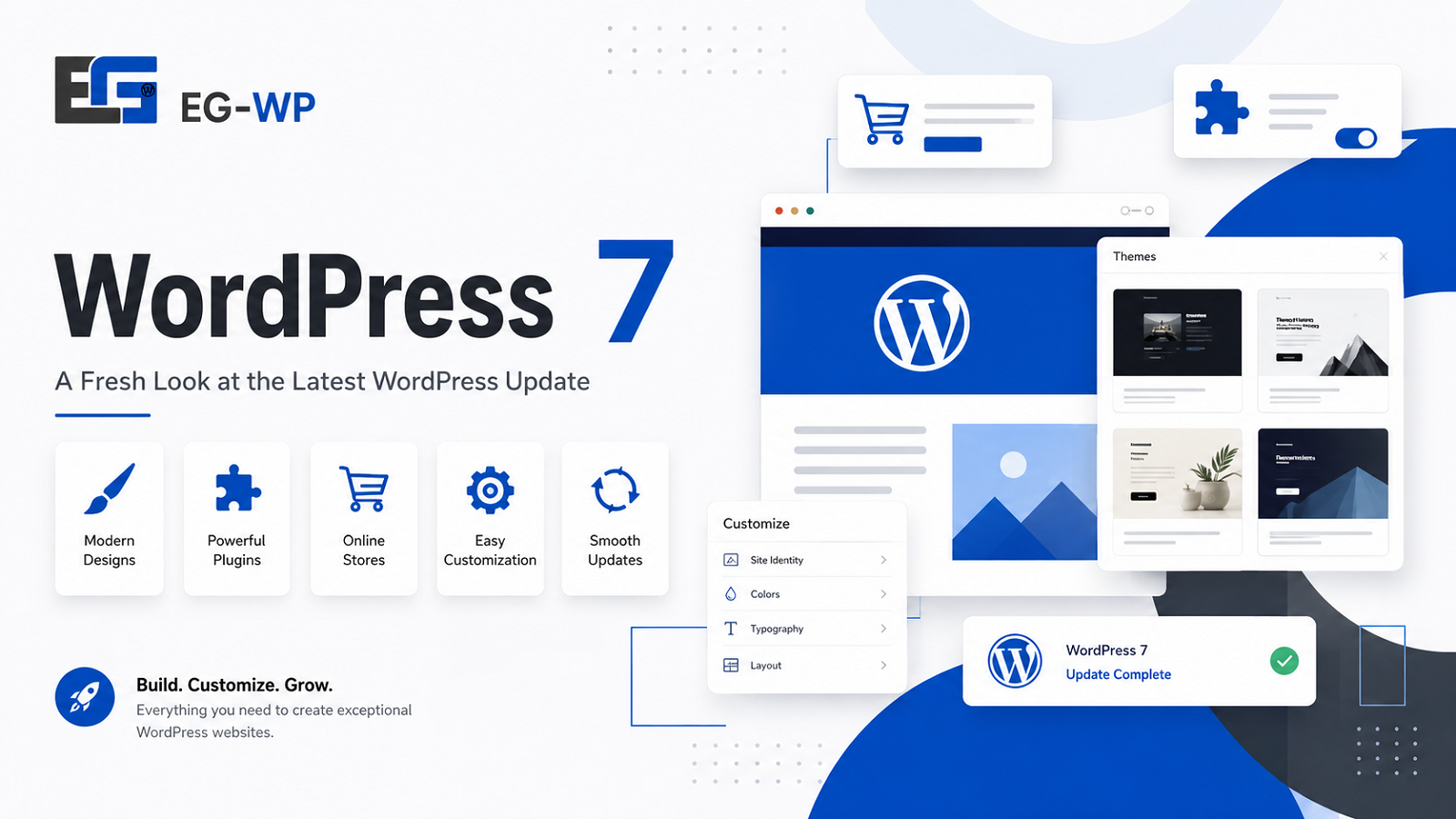
Common Upgrade Mistakes to Avoid
Even experienced users can encounter problems when rushing through a major update. Here are some common mistakes to avoid.
Skipping Backups
Never assume an update will go perfectly. A backup provides peace of mind and makes recovery much easier if needed.
Ignoring Plugin Compatibility
Installing WordPress 7 while leaving older plugins untouched can create unnecessary conflicts. Update your extensions whenever compatible versions are available.
Using Abandoned Themes
Themes that are no longer maintained may not support the latest WordPress features or security improvements. Choosing actively developed themes is one of the best long-term investments for your website.
Delaying Updates Indefinitely
Waiting months—or even years—to update WordPress increases the risk of compatibility issues, missed performance improvements, and exposure to known security vulnerabilities.
Why Premium Plugins and Themes Make a Difference
WordPress Core provides an outstanding foundation, but premium plugins and themes extend its capabilities far beyond the basics.
Depending on your website’s goals, premium extensions can provide:
- Advanced page building
- Professional design templates
- SEO enhancements
- WooCommerce features
- Membership systems
- Booking functionality
- Performance optimization
- Marketing integrations
- Advanced security tools
The key is choosing high-quality products from reputable developers that receive regular updates and remain compatible with the latest WordPress releases.
At EG-WP, our mission is to help WordPress users access premium plugin and theme activations at an affordable price. By keeping your premium tools updated and compatible with the newest WordPress versions, you can build websites that are faster, more secure, and easier to manage.
Frequently Asked Questions
Is WordPress 7 free?
Yes. Like every previous version, WordPress 7 is completely free and open source. Anyone can download, install, and use it without paying a licensing fee.
Should I upgrade immediately?
If your plugins and themes are confirmed to be compatible, upgrading promptly is generally recommended. Always create a backup before performing a major update.
Will WordPress 7 improve my SEO?
WordPress 7 can contribute to better technical SEO through performance improvements, cleaner code, and enhanced editing tools. However, search rankings also depend on high-quality content, backlinks, website structure, and user experience.
Do I still need premium plugins?
Yes. WordPress Core continues to expand its capabilities, but premium plugins often provide advanced functionality that isn’t available out of the box, such as sophisticated eCommerce features, marketing automation, security enhancements, and professional design options.
Final Thoughts
WordPress has earned its position as the world’s leading content management system by consistently evolving to meet the needs of website owners, developers, and businesses.
WordPress 7 continues that evolution with meaningful improvements in performance, security, usability, and flexibility. From a more responsive Block Editor to enhanced Full Site Editing capabilities and stronger developer tools, this release lays the groundwork for building faster, more modern websites.
Whether you manage a personal blog, a growing online store, or a portfolio of client websites, staying current with the latest WordPress version helps ensure better compatibility, stronger security, and access to the newest features.
To get the most out of WordPress 7, combine the latest Core release with reliable hosting, regular backups, and high-quality premium plugins and themes.
At EG-WP, we’re committed to helping WordPress users unlock the full potential of their websites with affordable premium plugin and theme activations. Whether you’re enhancing your site’s design, expanding its functionality, or optimizing its performance, our curated selection of trusted WordPress products can help you build with confidence.
As the WordPress ecosystem continues to evolve, one thing remains constant: keeping your website updated, secure, and equipped with the right tools is the best investment you can make for long-term success.


No comment