






Top 5 Best WordPress Plugins and Themes for Setting Up Your E-Store in 2026
Building a successful WordPress e-commerce store is no longer simply a matter of installing WooCommerce, adding a few products, and waiting for customers to arrive.
Your theme affects loading speed, mobile usability, product-page design, and conversions. Your plugins determine how effectively you can build pages, optimize your store for Google, improve performance, manage checkout functionality, and ultimately turn visitors into buyers.
And choosing the right WordPress tools matters more than ever.
According to W3Techs, WordPress powers approximately 40.7% of all websites on the internet and holds about 58.9% of the CMS market as of August 2026.
E-commerce is also one of WordPress’s biggest strengths. WooCommerce alone is used by approximately 8.1% of all websites, giving it around 48.1% of the e-commerce platform market tracked by W3Techs.
That means the WordPress e-commerce ecosystem is enormous — but so is the number of themes and plugins competing for your attention.
So which ones are actually worth installing?
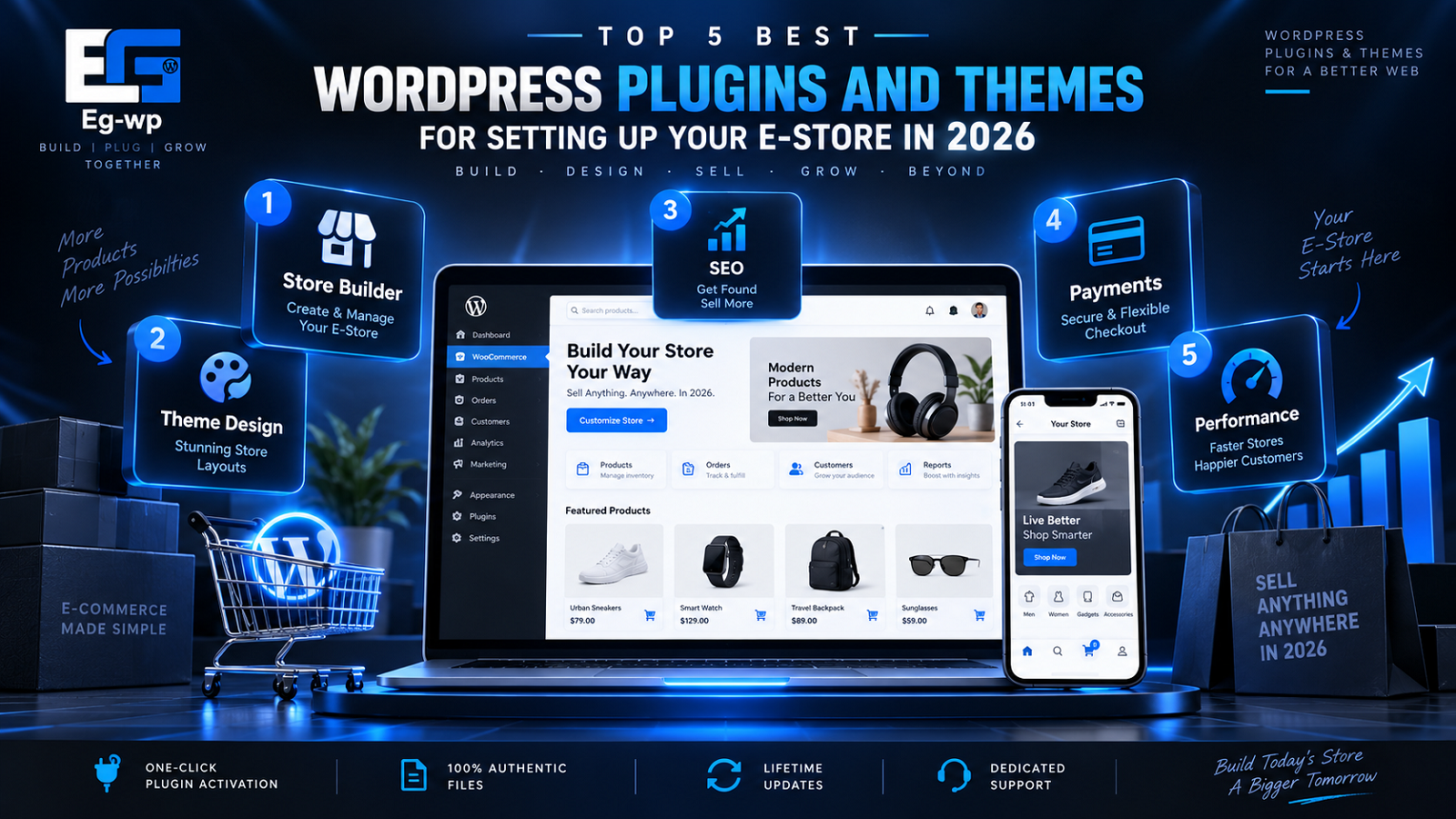
In this EG-WP guide, we have selected five of the best WordPress plugins and themes for building an online store in 2026, focusing on tools that provide a strong combination of:
- E-commerce functionality
- Performance
- Design flexibility
- SEO capability
- WooCommerce compatibility
- Ease of use
- Large user communities
- Active development
- Long-term scalability
Whether you’re creating your first small store, redesigning an existing WooCommerce website, or building stores professionally for clients, these are the tools worth considering.
The Best WordPress E-Store Plugins and Themes at a Glance
Our top five are:
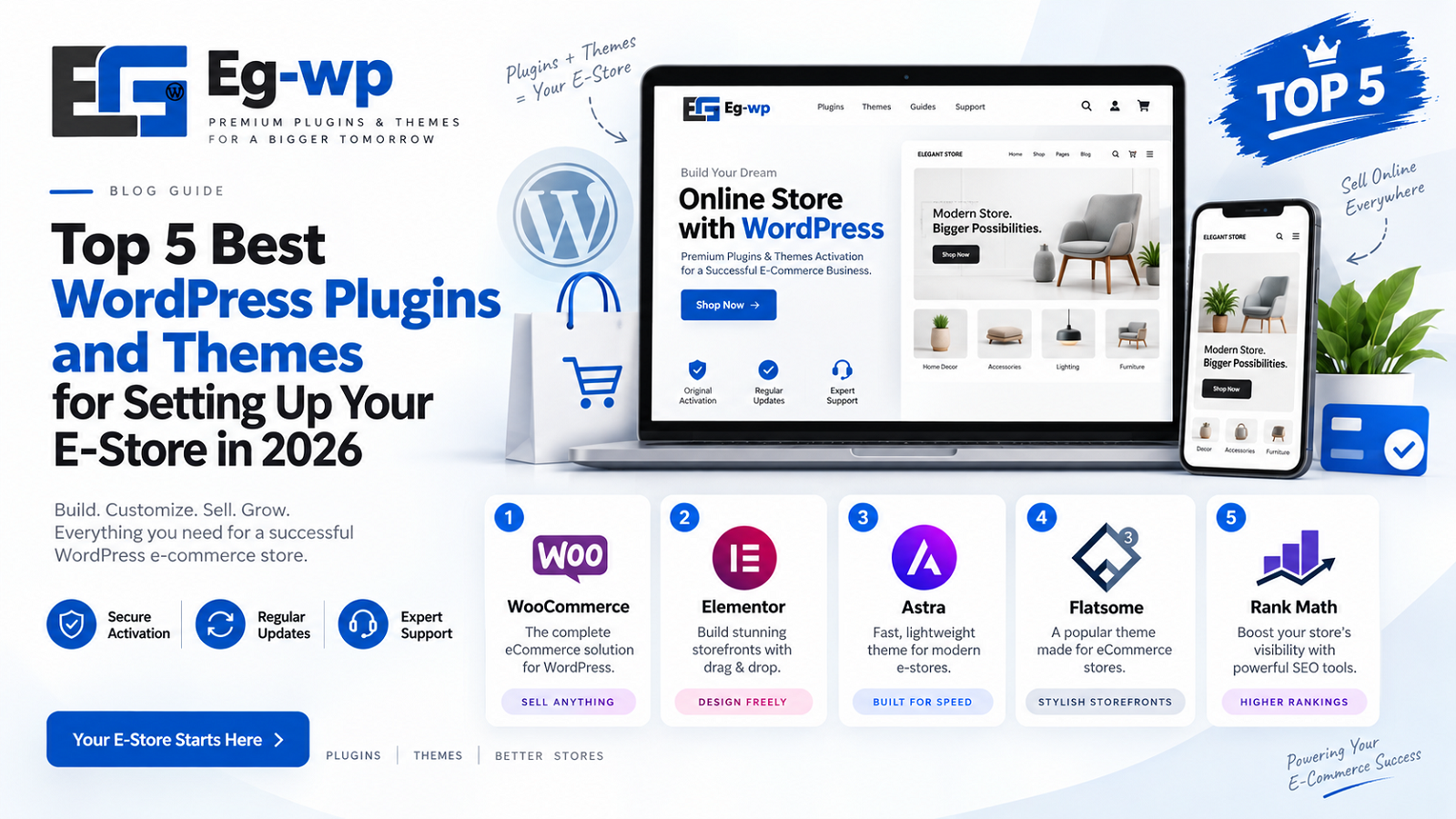
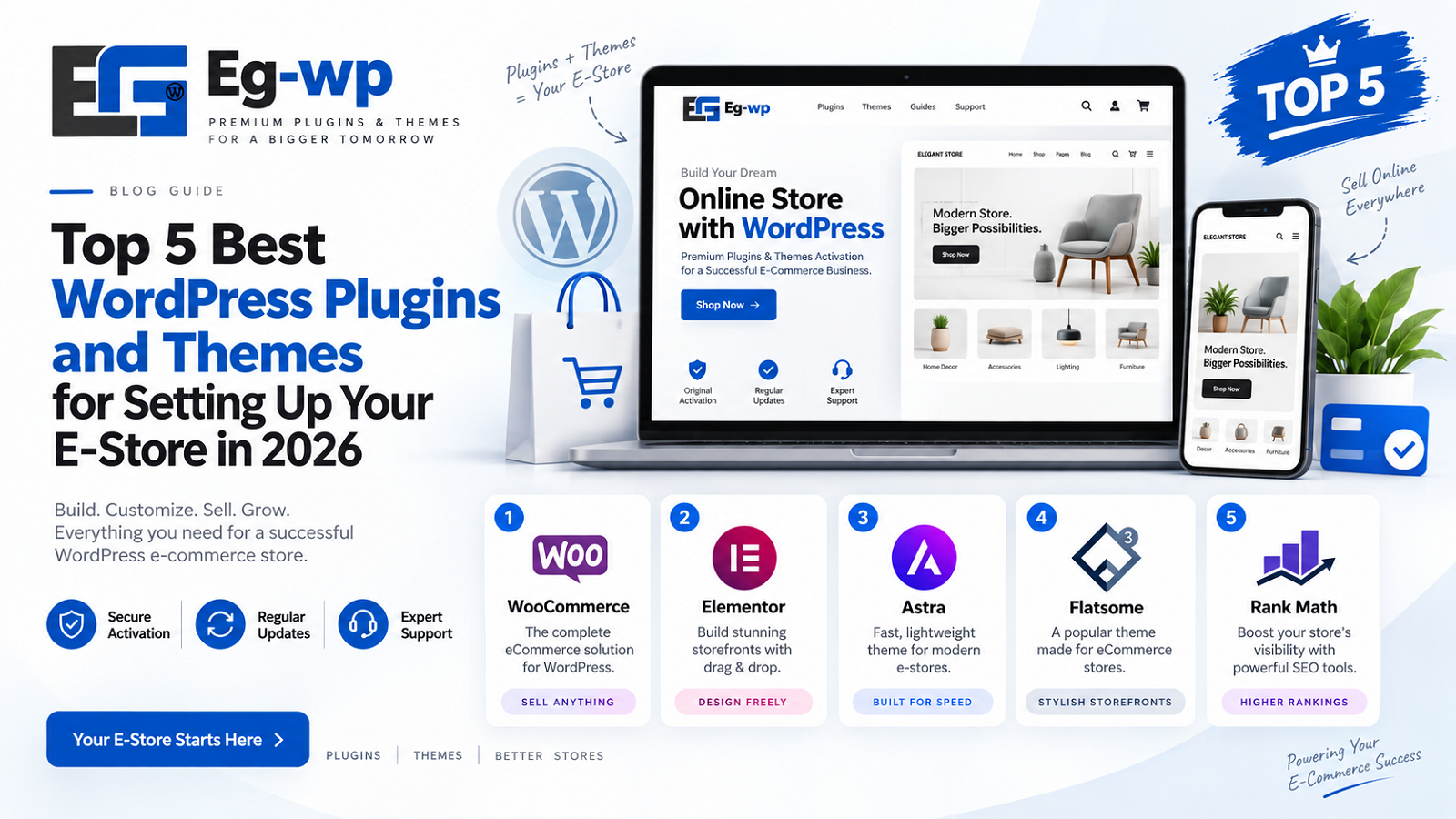
1. WooCommerce — Best core e-commerce plugin
2. Astra — Best WordPress theme for a fast WooCommerce store
3. Elementor Pro — Best visual design and page-building solution
4. Rank Math SEO — Best SEO plugin for growing organic traffic
5. LiteSpeed Cache — Best performance optimization plugin for compatible hosting
Rather than installing dozens of overlapping WordPress plugins, the goal is to create a focused technology stack where every tool has a clear job.
Let’s start with the foundation.
1. WooCommerce — Best Overall E-Commerce Plugin for WordPress
Best for: Building the Core of Your WordPress Online Store
If your goal is to transform WordPress into a complete online store, WooCommerce remains the obvious starting point.
Developed by Automattic and distributed as an open-source WordPress plugin, WooCommerce gives WordPress the essential functionality required to sell products and services online.
It provides the foundation for:
- Product pages
- Shopping carts
- Checkout
- Orders
- Inventory management
- Coupons
- Taxes
- Shipping
- Customer accounts
- Payment gateway integrations
- Physical and digital products
WooCommerce currently has more than 7 million active installations on WordPress.org, making it one of the most widely deployed WordPress plugins in existence.
Its importance becomes even clearer when we look beyond WordPress.org.
W3Techs estimates that WooCommerce accounts for approximately 48.1% of websites using an identifiable e-commerce platform, compared with around 31.7% for Shopify as of August 30, 2026.
In other words, WooCommerce isn’t a niche WordPress shopping plugin. It is one of the dominant e-commerce technologies on the web.
Why Is WooCommerce So Popular?
Its greatest advantage is flexibility.
Hosted e-commerce platforms generally define many aspects of how your store operates. WooCommerce instead runs on your own WordPress environment, allowing significantly more control over the site’s hosting, design, functionality, data, and extensions.
WooCommerce itself describes the platform as open source and designed to give store owners control over areas such as checkout, data, costs, hosting, payments, and features.
That flexibility makes WooCommerce suitable for stores ranging from a few products to sophisticated online businesses.
You can sell:
Physical products: clothing, electronics, cosmetics, accessories, furniture and virtually any conventional retail item.
Digital products: software, downloadable files, templates, graphics and other digital assets.
Services: consulting, appointments, professional services and similar offers.
And through extensions, WooCommerce can be expanded further for subscriptions, memberships, bookings, advanced product options, multilingual stores and numerous specialized use cases.
WooCommerce Performance Has Also Been Improving
Performance has historically been an important concern for large WooCommerce stores, particularly when product catalogs, variations, orders and extensions begin to grow.
Recent WooCommerce development has increasingly focused on this area.
For example, WooCommerce reported that its 11.0 release introduced optimizations for large-store order queries alongside experimental product object caching. According to WooCommerce’s own testing, that caching work made variable product pages approximately 9–12% faster and bundle-product processing at checkout approximately 6–12% faster in the tested scenarios.
That does not mean every WooCommerce store automatically becomes 12% faster. Real-world performance depends heavily on hosting, theme quality, plugins, caching and store configuration.
It does show, however, that performance remains an active development priority.
WooCommerce Pros
- Free and open-source core
- More than 7 million active WordPress installations
- Huge ecosystem of plugins and themes
- Excellent flexibility
- Supports physical and digital products
- Extensive payment and shipping integrations
- Store owners retain considerable control over their website and data
- Works with many major WordPress builders and themes
- Suitable for both small and advanced stores
WooCommerce Cons
WooCommerce’s flexibility can also create complexity.
A simple store may work with very few additional tools, but advanced functionality frequently requires extensions.
Installing too many plugins can also create problems. Poorly coded or overlapping plugins may increase page weight, database activity, JavaScript execution or compatibility issues.
The better approach is therefore not:
“Install every WooCommerce plugin you can find.”
It is:
Build the smallest reliable plugin stack that provides everything your store genuinely needs.
That philosophy is also why the remaining recommendations in this guide have been chosen carefully.
EG-WP Verdict
WooCommerce is the best starting point for most WordPress e-commerce stores.
It provides the commercial engine of the website, while your theme, design tools, SEO plugin and performance solution build on top of it.
Rating: 5/5
2. Astra — Best Fast WordPress Theme for WooCommerce
Best for: Store Owners Who Want Speed, Flexibility and Easy Customization
WooCommerce handles the e-commerce functionality.
But visitors don’t interact with WooCommerce as a piece of software — they interact with your storefront.
That makes your WordPress theme one of the most important decisions you will make.
A strong WooCommerce theme needs to do several things well:
It should look professional.
It should work on mobile devices.
It should support WooCommerce properly.
It should remain lightweight.
And it should give you enough customization freedom without requiring you to rebuild your entire theme manually.
For those reasons, Astra remains one of our strongest recommendations for WordPress e-commerce sites.
Astra currently has more than 1 million active installations listed on WordPress.org and holds an approximately 4.9/5 user rating, with more than 6,000 five-star reviews listed on its theme directory page.
Why Astra Works Well for E-Commerce
Astra has built much of its reputation around lightweight design and compatibility with popular WordPress page-building systems.
The WordPress.org listing specifically identifies Astra as compatible with WooCommerce and other e-commerce tools while supporting popular builders such as Elementor, Spectra and Beaver Builder.
That is especially useful when designing an e-store because different parts of the website often require different levels of control.
For example:
Your global header, typography and layout can be controlled through the theme.
Your landing pages can be designed using a visual builder.
WooCommerce can manage your product and checkout functionality.
And specialized plugins can handle SEO, caching and other technical requirements.
Instead of asking one piece of software to do everything, each component handles the task it is designed for.
Why Theme Performance Matters for an Online Store
For a normal blog, a slow page is frustrating.
For an e-commerce business, it can directly affect revenue.
Customers may visit several pages during one purchasing session:
Homepage → category page → product page → cart → checkout
Every unnecessary delay adds friction.
A lightweight theme therefore gives you a better starting point before you even begin optimizing caching, images or scripts.
Of course, installing Astra alone cannot guarantee a fast WooCommerce store. Hosting quality, image size, third-party scripts, database performance and plugins can have a larger effect.
But starting with a lean and actively maintained theme is considerably easier than trying to optimize an unnecessarily heavy theme later.
Astra Pros
- 1+ million active installations
- Strong WooCommerce compatibility
- Lightweight architecture
- Works with Elementor and other major builders
- Large template ecosystem
- Highly customizable
- Mobile-friendly design
- Suitable for beginners and developers
- Free version available with additional commercial functionality
Astra Cons
The free version is capable enough for many websites, but store owners wanting deeper design and WooCommerce customization may eventually require premium functionality.
That is not unusual in the WordPress ecosystem, but it should be considered when calculating your complete store setup cost.
EG-WP Verdict
If you want a WooCommerce theme that gives you a strong combination of speed, flexibility, compatibility and ease of customization, Astra remains one of the safest choices.
It is particularly powerful when combined with the next tool on our list — Elementor Pro — because this combination gives store owners significantly more control over how landing pages and important commercial sections of the site are presented.
Rating: 4.8/5
Coming Next: Elementor Pro, Rank Math SEO and LiteSpeed Cache
WooCommerce and Astra give us the foundation:
WooCommerce = the e-commerce engine.
Astra = the storefront framework.
But a competitive store still needs three important things:
Conversion-focused design, search visibility and speed.
That is where the remaining three tools become especially useful.
3. Elementor Pro — Best WordPress Page Builder for E-Commerce Design
Best for: Store Owners Who Want Full Visual Control Without Coding
Once WooCommerce is handling your products and Astra is providing a lightweight theme foundation, the next challenge is design.
This is where Elementor becomes especially useful.
Elementor is one of the most widely used WordPress page builders in the world, with more than 10 million active installations listed on WordPress.org. Its popularity comes largely from giving non-developers a visual, drag-and-drop way to build professional WordPress pages without writing custom code.
For e-commerce stores, that matters because design directly affects how customers experience your website.
A standard WooCommerce installation gives you the technical structure required to sell online, but successful stores usually need more than default layouts.
You may want:
- Custom product landing pages
- Promotional banners
- Seasonal sales pages
- Category pages
- Product comparison sections
- Testimonials
- FAQ sections
- Trust badges
- Newsletter sign-up areas
- Custom headers and footers
- Mobile-specific design adjustments
Elementor makes these types of layouts significantly easier to create.
Elementor Free vs Elementor Pro for WooCommerce
The free version of Elementor is powerful enough for basic page design, but serious e-commerce websites will generally get more value from Elementor Pro.
The Pro version adds advanced design capabilities, including WooCommerce-focused widgets and theme-building functionality.
Depending on your Elementor plan and current feature availability, you can build or customize elements such as:
- Product titles
- Product images
- Product prices
- Add-to-cart sections
- Product ratings
- Product descriptions
- Upsells
- Related products
- Cart layouts
- Checkout layouts
- Account-related pages
- Archive templates
This means you are not limited to the default appearance provided by WooCommerce or your theme.
Instead, you can build a storefront around your brand.
Why Custom Product Pages Matter
A product page is one of the most important pages in any e-commerce store.
It has a very specific job:
Turn interest into action.
The customer needs to understand what the product is, why they should buy it, whether they can trust the seller and what they should do next.
A strong product page may include:
A clear product headline
Customers should immediately understand what they are looking at.
High-quality product images
Visual presentation is especially important for physical products, fashion, electronics, templates, digital products and design-related products.
A strong value proposition
Instead of simply listing features, explain what the customer gains from the product.
Visible pricing
Avoid unnecessary confusion around the actual cost.
A prominent call-to-action
The Add to Cart or Buy Now action should be easy to locate.
Trust elements
Customer reviews, secure payment messaging, refund information, guarantees or support information can all reduce hesitation.
Frequently asked questions
Answering common concerns directly on the product page can prevent customers from abandoning the purchase.
Elementor makes it easier to arrange these elements visually without developing every page from scratch.
Elementor and Mobile Commerce
Mobile usability is now essential for online stores.
According to StatCounter, mobile devices account for a substantial share of global web traffic, frequently exceeding desktop traffic worldwide depending on the month and measurement period.
That means your store cannot simply look good on a laptop.
It must also be comfortable to browse on a phone.
Elementor includes responsive controls that allow you to modify spacing, typography, alignment, visibility and layouts for different screen sizes.
For example, a three-column desktop section might become a single-column layout on mobile.
A large desktop heading can be reduced for smaller screens.
Buttons can be made wider and easier to tap.
Margins can be adjusted independently.
These controls can dramatically improve usability when used correctly.
But Be Careful With Page Builder Performance
There is one important warning.
Visual page builders make WordPress design easier, but careless design can create unnecessarily heavy pages.
A page filled with:
- Large images
- Background videos
- Multiple sliders
- Excessive animations
- Third-party scripts
- Numerous nested containers
- Too many fonts
- Tracking scripts
can become slow regardless of which builder you use.
The solution is not necessarily to avoid Elementor.
The solution is to use it efficiently.
For an e-commerce website, prioritize clean layouts over excessive visual effects.
Compress your images.
Use modern image formats when appropriate.
Limit unnecessary animations.
Reduce third-party scripts.
Use caching.
And avoid installing multiple page builders on the same website unless there is a strong technical reason to do so.
Elementor Pro Pros
- Extremely popular WordPress page-building ecosystem
- Visual drag-and-drop editing
- Strong WooCommerce design capabilities
- Responsive design controls
- Large library of widgets and templates
- Works well with Astra
- Useful for landing pages and promotional campaigns
- No advanced coding knowledge required for most designs
- Theme Builder provides control over important site templates
Elementor Pro Cons
The main disadvantage is that poorly optimized Elementor pages can become heavier than simpler block-based layouts.
The Pro version also requires a paid subscription for its premium functionality.
Another potential problem is over-design.
Just because you can add animations, popups, multiple sections and visual effects does not mean that you should.
For e-commerce, simplicity often performs better.
Customers usually want to understand the product, trust the store and complete their purchase with as little friction as possible.
EG-WP Verdict
Elementor Pro is one of the best WordPress tools for store owners who want professional design flexibility without relying heavily on custom development.
Combined with WooCommerce and a lightweight theme such as Astra, it can give you considerable control over your storefront.
Use it strategically, however.
A clean, fast product page is usually better than an impressive-looking page overloaded with effects.
Rating: 4.7/5
4. Rank Math SEO — Best SEO Plugin for WooCommerce Stores
Best for: Improving Search Visibility and Managing WordPress SEO
A beautiful e-commerce store is useless if nobody can find it.
Paid advertising can generate traffic, but organic search remains one of the most important long-term acquisition channels for many online businesses.
This is why every serious WordPress store should have an SEO strategy.
And for many WordPress users, Rank Math SEO has become one of the leading options.
Rank Math currently has more than 4 million active installations according to its WordPress.org plugin listing.
That is significant because the WordPress SEO plugin category is extremely competitive.
Store owners already have access to well-established options such as Yoast SEO, All in One SEO and SEOPress.
Rank Math has grown quickly by combining a broad set of SEO features into a relatively accessible interface.
What Does an SEO Plugin Actually Do?
An SEO plugin does not magically make your website rank number one on Google.
That is important to understand.
Google rankings depend on many factors, including:
- Search intent
- Content quality
- Website authority
- Backlinks
- Internal linking
- User experience
- Technical SEO
- Page speed
- Competition
- Product relevance
- Website structure
An SEO plugin helps you manage important parts of that process.
For example, Rank Math can help with:
- SEO titles
- Meta descriptions
- Canonical URLs
- XML sitemaps
- Robots settings
- Schema markup
- Social sharing metadata
- Redirections
- Indexing controls
- On-page SEO checks
Some advanced functionality depends on the edition and configuration being used.
Why SEO Is Especially Important for WooCommerce
E-commerce SEO can be much more complex than normal blog SEO.
A small blog might contain 30 or 50 articles.
A WooCommerce store can quickly contain hundreds or thousands of URLs.
Consider a store selling 500 products.
You may have:
- 500 product pages
- Product category pages
- Product tag pages
- Brand pages
- Filter URLs
- Search pages
- Blog posts
- Landing pages
- Cart pages
- Checkout pages
- Account pages
If these are poorly structured, search engines may spend time crawling low-value pages while important commercial pages are not optimized properly.
A capable SEO plugin helps provide technical control over these areas.
Product Page SEO
One of the biggest mistakes e-commerce businesses make is copying manufacturer descriptions directly onto product pages.
Imagine that 100 online stores all sell the same product.
If every store uses the same title and the same manufacturer description, Google has little reason to consider one page especially valuable.
Instead, your important product pages should include original and useful information.
A strong SEO-friendly product page might include:
A descriptive product title
Use the actual language customers search for.
An original product description
Explain the product clearly instead of relying only on copied manufacturer text.
Specifications
Include dimensions, compatibility, materials, requirements or other useful technical information.
Benefits
Tell customers what problem the product solves.
FAQs
Answer questions that customers commonly ask before purchasing.
Reviews
Authentic customer reviews can add useful context and increase trust.
Internal links
Link to related categories, products and helpful guides.
Rank Math can support the technical side of optimization, but it cannot replace genuinely helpful content.
Category Pages Can Be SEO Assets
Another major opportunity is category-page optimization.
Many WooCommerce websites treat product categories merely as grids.
For example:
/product-category/wordpress-themes/
might simply display 20 products.
But a well-optimized category page can potentially target commercially valuable searches.
Instead of showing only products, you can add useful contextual content.
For example:
Premium WordPress Themes
Looking for a professional WordPress theme for your website? Explore responsive themes designed for business websites, online stores, blogs and landing pages.
You could then include buying guidance, FAQs, compatibility information and links to relevant tutorials.
This transforms the page from a basic product archive into a genuinely useful landing page.
Schema Markup for E-Commerce
Structured data is another important area.
Schema markup helps search engines understand the type of information contained on a webpage.
Product-related structured data may help search engines understand information such as:
- Product name
- Price
- Availability
- Reviews
- Ratings
- Brand information
Google can sometimes use eligible structured data to produce enhanced search-result features.
However, structured data must accurately represent information visible and available on the page.
You should never create fake ratings, fake reviews or misleading availability information simply to try to obtain richer Google results.
Rank Math Pros
- 4+ million active installations
- Strong feature set
- Easy control over SEO titles and descriptions
- XML sitemap functionality
- Schema support
- WooCommerce SEO features
- Redirection management
- Search Console-related integrations
- Suitable for blogs, businesses and online stores
- Free version available
Rank Math Cons
Rank Math includes many options, and that can be overwhelming for beginners.
It is easy for inexperienced users to focus too much on optimization scores instead of actual content quality.
A green SEO score does not guarantee high rankings.
Likewise, inserting the same keyword repeatedly just because a plugin recommends it can make your copy worse rather than better.
Use Rank Math as a technical assistant.
Do not treat it as Google’s ranking algorithm.
EG-WP Verdict
Rank Math is one of the strongest SEO plugins available for WooCommerce websites in 2026.
It combines technical SEO controls, schema options and on-page optimization features in a package that works well for both smaller shops and larger content-focused e-commerce websites.
If your goal is to generate sustainable search traffic, it is one of the first plugins worth configuring properly.
Rating: 4.8/5
The Recommended Stack So Far
At this stage, our WordPress e-commerce stack looks like this:
WooCommerce handles products, orders and checkout.
Astra provides the lightweight storefront framework.
Elementor Pro gives you visual control over important pages and templates.
Rank Math SEO helps search engines understand and discover your content.
There is now only one major problem left to solve:
Performance.
Every plugin, product image, tracking script and WooCommerce feature adds work for the visitor’s browser and your web server.
And slow e-commerce sites create friction exactly where you do not want it.
5. LiteSpeed Cache — Best Performance Plugin for Compatible WooCommerce Hosting
Best for: Improving WordPress Speed, Caching and Core Web Performance
A fast store is not just nicer to use.
For e-commerce, speed can influence bounce rates, customer satisfaction, checkout completion and SEO performance.
That makes performance optimization one of the most important parts of any serious WooCommerce setup.
For websites running on compatible LiteSpeed servers, LiteSpeed Cache is one of the strongest WordPress performance plugins available.
The plugin currently has millions of active installations on WordPress.org, making it one of the most widely used caching and optimization plugins in the WordPress ecosystem.
Unlike a basic caching plugin, LiteSpeed Cache combines page caching with a large collection of optimization features.
Depending on your hosting environment and configuration, these can include:
- Full-page caching
- Browser caching
- Object caching support
- CSS optimization
- JavaScript optimization
- Lazy loading
- Image optimization
- WebP image delivery
- Database optimization
- CDN integration
- Critical CSS features
- Guest optimization
- Cache exclusion controls
- WooCommerce-specific cache handling
That makes it particularly useful for online stores, where performance optimization can become considerably more complex than on a normal blog.
Why WooCommerce Performance Is Different
WooCommerce websites contain both static and dynamic content.
A normal blog article can often be cached aggressively because most visitors see exactly the same page.
An e-commerce website is different.
The store may display:
- Individual shopping carts
- Customer account information
- Personalized sessions
- Checkout data
- Product stock
- Dynamic pricing
- Recently viewed products
- Currency information
- Location-specific shipping options
These elements cannot always be cached in the same way as a normal static page.
For example, you obviously do not want Customer A to see Customer B’s shopping cart.
A good WooCommerce performance configuration therefore requires more than simply enabling every caching option.
You need to cache what can safely be cached while excluding sensitive or dynamic pages such as:
- Cart
- Checkout
- My Account
- Certain personalized pages
- Specific dynamic query strings
LiteSpeed Cache includes WooCommerce-aware functionality designed to work with these types of situations.
Why Page Speed Matters for SEO
Google has repeatedly emphasized page experience and performance as part of the broader search experience.
One of the most important systems used to evaluate real-world website performance is Core Web Vitals.
The three main Core Web Vitals are:
Largest Contentful Paint — LCP
This measures how quickly the largest important element in the visible area loads.
Google considers an LCP of 2.5 seconds or less to be a good experience.
For an online store, the largest element could be a hero image, product image, banner or large heading.
Interaction to Next Paint — INP
INP measures how responsive a page is when users interact with it.
Google considers an INP of 200 milliseconds or less to be good.
If a visitor clicks a filter, menu, Add to Cart button or another interactive element, the site should respond quickly.
Cumulative Layout Shift — CLS
CLS measures visual stability.
A CLS score of 0.1 or lower is considered good.
Have you ever tried to tap a button just as an advertisement or image loaded and pushed everything down?
That is exactly the type of frustrating experience CLS is designed to measure.
For e-commerce websites, these metrics matter because customers perform many interactions before completing a transaction.
Speed and Conversion Rates
Performance also has a commercial impact.
Research published over the years by companies including Google, Deloitte and major e-commerce businesses has consistently found relationships between faster user experiences and improved engagement or conversion behavior.
The exact improvement varies enormously between websites, industries and audiences, so claims such as:
“Making your website one second faster will automatically increase sales by X%”
should be treated cautiously.
There is no universal conversion formula.
However, the overall principle is well supported:
Faster, more responsive websites generally create less friction for shoppers.
And reducing friction is particularly valuable during the purchase journey.
Consider what happens when a customer encounters slow loading at every stage:
Homepage…
wait.
Category page…
wait.
Product page…
wait.
Add to cart…
wait.
Checkout…
wait.
Each delay provides another opportunity for the customer to abandon the purchase.
This is why performance optimization should be considered part of conversion optimization rather than simply a technical task.
Image Optimization Is Especially Important for Online Stores
Images are frequently among the heaviest resources on an e-commerce website.
A store with hundreds of products can contain thousands of images.
If each image is uploaded directly from a camera or designer at several megabytes in size, loading performance can deteriorate quickly.
Good image optimization should include:
- Correct dimensions
- Compression
- Modern image formats where appropriate
- Responsive image sizes
- Lazy loading
- Avoiding unnecessarily large hero images
For example, uploading a 5000-pixel-wide image for a product card that displays at only 400 pixels is a waste of bandwidth.
LiteSpeed Cache’s image optimization features can help automate some of this work, particularly when combined with its optimization ecosystem.
Avoid the “Enable Everything” Trap
LiteSpeed Cache contains many advanced settings.
That is both its strength and one of its weaknesses.
Beginners sometimes enable every optimization option immediately.
This can cause problems.
Combining or delaying certain JavaScript files can break menus, checkout functions, popups or tracking scripts.
Aggressive CSS optimization can cause layout problems.
Removing unused resources incorrectly can affect important functionality.
For that reason, performance optimization should be done methodically.
Change one group of settings at a time.
Then test:
- Homepage
- Product pages
- Category pages
- Cart
- Checkout
- Customer account
- Mobile layout
- Payment process
- Contact forms
- Popups
- Analytics tracking
Always test a WooCommerce store after major performance changes.
LiteSpeed Cache Pros
- Powerful page caching
- Excellent integration with LiteSpeed-based hosting
- WooCommerce-compatible cache controls
- Image optimization functionality
- CSS and JavaScript optimization
- Lazy loading
- Database optimization
- CDN integration
- Object-cache support
- Large WordPress user base
- Free plugin
LiteSpeed Cache Cons
Its biggest limitation is that some of its most powerful server-level caching features depend on LiteSpeed-compatible hosting.
Users on other server environments may not receive the same benefits.
The interface can also feel complicated to beginners because there are many configuration options.
Incorrect optimization settings can occasionally break frontend functionality.
EG-WP Verdict
If your WordPress store runs on LiteSpeed-compatible hosting, LiteSpeed Cache is one of the best performance plugins you can install.
It provides considerably more than simple page caching and can become an important part of a properly optimized WooCommerce stack.
Just remember that performance plugins should be configured carefully rather than treated as one-click magic solutions.
Rating: 4.8/5
Top 5 WordPress E-Store Plugins and Themes Compared
Here is our final comparison of the five recommended tools.
| Tool | Type | Best For | Free Version | WooCommerce Focus | EG-WP Rating |
|---|---|---|---|---|---|
| WooCommerce | E-commerce plugin | Building the core store | Yes | Excellent | 5/5 |
| Astra | WordPress theme | Fast storefront design | Yes | Excellent | 4.8/5 |
| Elementor Pro | Page builder | Custom store layouts | Limited free version | Excellent | 4.7/5 |
| Rank Math SEO | SEO plugin | Search optimization | Yes | Very Good | 4.8/5 |
| LiteSpeed Cache | Performance plugin | Speed and caching | Yes | Very Good | 4.8/5 |
These tools are not direct competitors.
They solve different problems.
That is why they work especially well as a complete stack.
The Best WordPress E-Commerce Setup for 2026
If we were building a new WordPress e-store today, our recommended structure would look something like this:
E-Commerce Platform
WooCommerce
Use WooCommerce as the foundation for products, orders, payments, checkout and customer management.
Theme
Astra
Use Astra for a lightweight, customizable storefront that works well with WooCommerce and modern page builders.
Page Builder
Elementor Pro
Use Elementor Pro when you need greater control over landing pages, promotional pages, product templates and important conversion-focused areas.
SEO
Rank Math SEO
Use Rank Math to manage technical SEO, metadata, structured data, sitemaps and on-page optimization.
Performance
LiteSpeed Cache
Use LiteSpeed Cache when your hosting environment supports it, and configure caching and frontend optimization carefully.
Together, these five tools cover the major requirements of a modern WordPress store:
Selling + Design + Conversion + SEO + Performance
That is a much better approach than installing 25 random plugins that overlap with each other.
How Many Plugins Should a WooCommerce Store Have?
This is one of the most common questions WordPress users ask.
Unfortunately, there is no perfect number.
A website with 30 well-coded plugins can sometimes perform better than a website with five poorly coded plugins.
The real question is not:
“How many plugins do I have?”
The better question is:
“How much unnecessary work are my plugins making WordPress perform?”
Before installing a plugin, ask yourself:
- Do I genuinely need this feature?
- Does another installed plugin already provide it?
- Is the plugin actively maintained?
- Is it compatible with my WordPress and WooCommerce versions?
- Does it come from a reputable developer?
- Will it affect frontend performance?
- Can I remove another plugin by using this one?
Avoid installing plugins simply because a YouTube tutorial recommends them.
Every additional plugin increases the amount of software your website depends on.
Keep your stack intentional.
Free vs Premium WordPress Plugins and Themes
Many store owners start by asking whether they really need premium WordPress products.
The answer depends on the website.
A basic WooCommerce store can absolutely be created using free software.
WordPress itself is free.
WooCommerce has a free core plugin.
Astra offers a free version.
Rank Math offers a free edition.
LiteSpeed Cache is free.
Elementor also provides a free version.
So technically, you can create a functional e-commerce website with very little software cost.
However, premium plugins and themes may become valuable when you need advanced functionality.
For example:
- Advanced WooCommerce customization
- Premium templates
- Custom product layouts
- Theme-building features
- Advanced SEO functionality
- Marketing integrations
- Specialized widgets
- Faster workflows
- Additional support
The important point is to pay for functionality that creates value for your business.
Do not purchase premium software simply because it has more features.
If you will never use those features, they provide little value.
Why WordPress and WooCommerce Remain Powerful for E-Commerce
WordPress continues to power a huge portion of the web, while WooCommerce remains one of the world’s most widely deployed e-commerce technologies.
There is a simple reason for that longevity:
Control.
With WordPress and WooCommerce, businesses can choose their:
- Hosting company
- Theme
- Payment gateways
- SEO tools
- Page builder
- Analytics platform
- Marketing tools
- Shipping systems
- Developers
- Plugins
- Store functionality
That flexibility can create more responsibility than a closed hosted platform, but it also provides businesses with enormous freedom.
For entrepreneurs who value ownership and customization, that remains a major advantage.
Security Matters Too
Plugins and themes should never be selected based only on features.
Security and maintenance matter just as much.
Before installing any WordPress product, check whether it is:
- Regularly updated
- Compatible with current WordPress releases
- Distributed by a trusted source
- Supported by an established developer
- Properly licensed
You should also keep WordPress core, plugins and themes updated.
Remove unused extensions rather than leaving abandoned software installed indefinitely.
Use strong administrator passwords.
Enable two-factor authentication when possible.
Keep reliable backups.
And avoid downloading unknown or modified plugin files from random websites simply because they are offered for free.
A compromised WooCommerce store can expose customer information, damage your SEO rankings and destroy customer confidence.
Cheap software is never worth sacrificing your website’s security.
Frequently Asked Questions
What is the best plugin for creating an online store with WordPress?
For most users, WooCommerce is the best starting point.
It adds product management, shopping cart, checkout, orders and other essential e-commerce functionality directly to WordPress.
What is the best WooCommerce theme?
There is no single theme that is perfect for every store, but Astra is one of the strongest all-around choices because of its performance-focused design, large user base, customization options and WooCommerce compatibility.
Is Elementor good for WooCommerce?
Yes.
Elementor, particularly Elementor Pro, can be very useful for creating custom product layouts, landing pages, promotional pages and other visual elements.
However, store owners should avoid unnecessarily complicated page designs that negatively affect performance.
Is Rank Math good for WooCommerce SEO?
Yes.
Rank Math provides a wide range of technical SEO and structured-data features that can be useful for WooCommerce websites.
However, no SEO plugin can replace high-quality content, useful product descriptions, proper website structure and strong backlinks.
What is the best caching plugin for WooCommerce?
The best option depends partly on your hosting environment.
For websites using LiteSpeed-compatible servers, LiteSpeed Cache is one of the strongest options available.
Other hosting environments may benefit from different caching solutions.
Can I build a WooCommerce store without premium plugins?
Absolutely.
You can build a fully functional WordPress store using WooCommerce and free versions of many popular themes and plugins.
Premium tools become useful when your business needs specific advanced features, additional design flexibility or more streamlined workflows.
Final Verdict: The Best Plugins and Themes for Your WordPress E-Store
Choosing the right WordPress tools is not about installing the plugin with the longest feature list.
It is about creating a reliable stack where every product solves a specific problem.
For most WooCommerce stores in 2026, our top five choices are:
WooCommerce — for the store itself.
Astra — for a fast and flexible storefront.
Elementor Pro — for advanced visual customization.
Rank Math SEO — for search-engine optimization.
LiteSpeed Cache — for performance optimization on compatible hosting.
Together, these products create a strong foundation for building a professional WordPress e-commerce website.
But remember:
Tools alone will not make a successful online store.
You still need competitive products, useful content, good pricing, trustworthy customer service, strong branding, effective SEO and a smooth checkout experience.
The plugins and themes simply give you the infrastructure to execute those things more effectively.
Build Your WordPress Store With EG-WP
At EG-WP, we help WordPress users access plugin and theme activation solutions for building professional websites and e-commerce stores.
Whether you are creating a new WooCommerce project, upgrading an existing store or testing new WordPress tools, choosing the right combination of plugins and themes can save you significant time and help you build a stronger website.
Before selecting any product, always confirm compatibility with your current WordPress version, WooCommerce version, hosting environment and existing plugins.
A well-planned WordPress stack is usually faster, easier to maintain and more reliable than a website filled with unnecessary extensions.
Start with the essentials.
Build carefully.
Optimize continuously.
And give your customers a store that is fast, trustworthy and easy to use.



No comment