






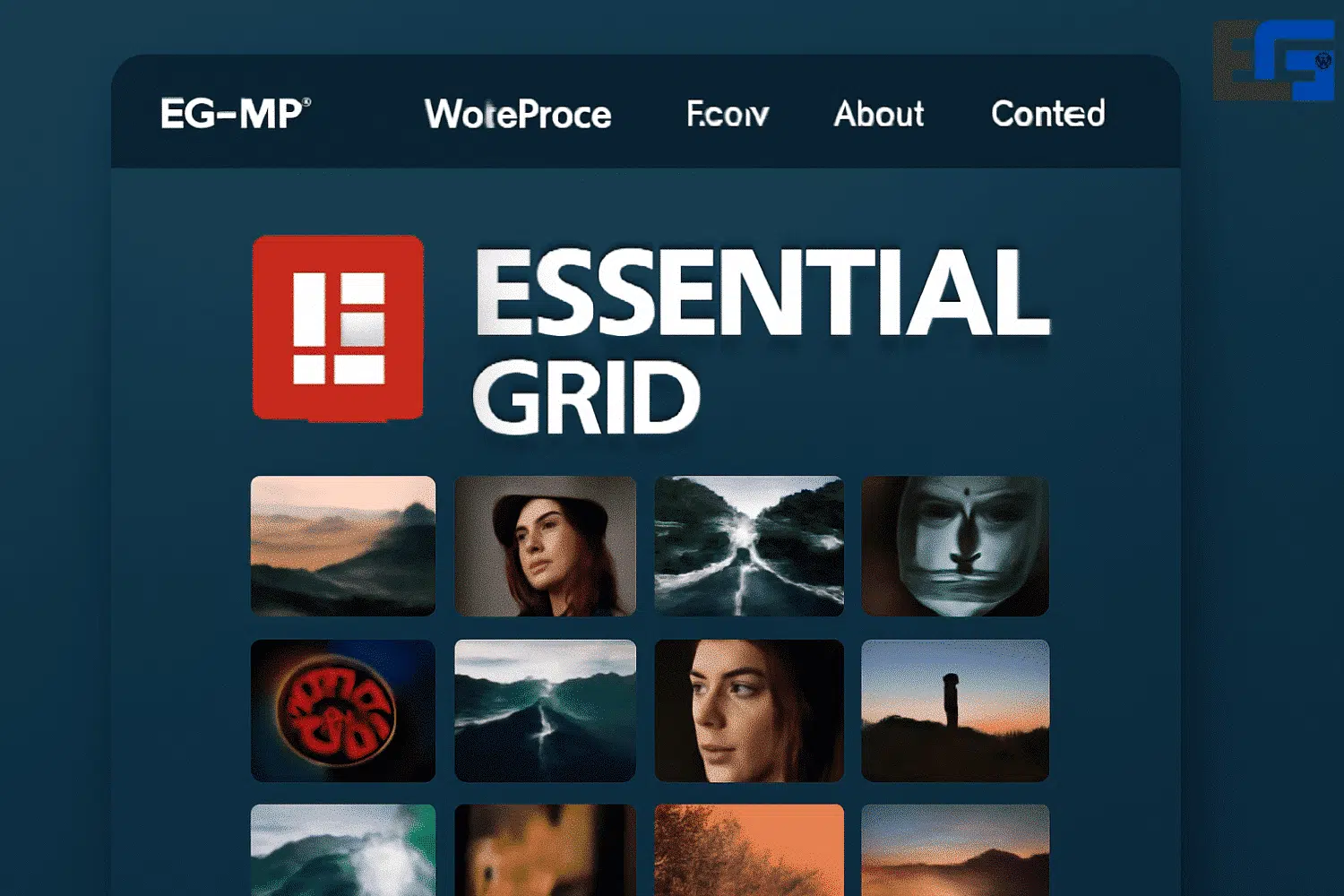
What is Essential Grid?
Essential Grid is a premium WordPress plugin that allows you to create professional grid layouts for displaying content such as images, videos, blog posts, WooCommerce products, and more, all with flexible and visually appealing designs.
What Content Can You Display with Essential Grid?
You can showcase:
- Blog posts
- WooCommerce products
- Images from the media library
- YouTube and Vimeo videos
- Instagram or Facebook content (via extensions)
- Custom post types
Can the Grid Design Be Fully Customized?
Yes. Essential Grid provides an advanced Skin Editor that lets you customize every detail – images, text, buttons, and animations – without coding.
Is Essential Grid Responsive?
Absolutely. The plugin is fully responsive, and you can adjust the number of columns and layout according to screen size.
Does It Work with Page Builders like Elementor or WPBakery?
Yes. It integrates smoothly with leading page builders and can be inserted as a design element.
Essential Grid vs Slider Revolution
Both are created by ThemePunch, but:
- Essential Grid focuses on creating grid-based content layouts.
- Slider Revolution specializes in animated and interactive sliders.
Can Content Be Filtered and Sorted?
Yes. Essential Grid supports dynamic filters that allow sorting content by category, tags, or custom metadata.
Does It Support Multilingual Sites?
Yes. It is fully compatible with WPML and Polylang, making it ideal for multilingual websites.
Does Essential Grid Affect Site Speed?
If optimized properly (image compression, limited items per grid), performance remains excellent. It also supports Lazy Load for faster loading.
Do I Need Coding Skills?
No. Beginners can use it easily through the visual interface, while advanced users can still add custom CSS or JavaScript.
Is Essential Grid Free?
No, it is a paid plugin, though it often comes bundled with premium themes like Avada or The7.
How Can I Update Essential Grid?
Automatic updates are available for licensed versions, or you can manually upload the latest version through WordPress dashboard.
Key Features & Benefits of Essential Grid
- Drag & Drop Builder – Create grids easily without coding.
- 50+ Customizable Templates – Ready-to-use for photo, video, and audio galleries.
- Fully Responsive Design – Works flawlessly on desktops, tablets, and mobiles.
- Multiple Content Sources – Posts, WooCommerce products, custom post types, social media feeds.
- SEO Friendly – Supports deep linking and pagination.
- Content Protection – Watermark and right-click protection to safeguard work.
Why Essential Grid Matters
- Flexibility: Adapts to any website (blogs, portfolios, eCommerce).
- Better User Experience: Organizes content in visually structured layouts.
- Brand Customization: Adjust dimensions, spacing, colors, fonts, and effects.
- Integration: Works with all popular plugins and page builders.
Installing Essential Grid (Step by Step)
- From WordPress dashboard → Plugins → Add New.
- Search for “Essential Grid”.
- Click Install Now, then Activate.
- A new Essential Grid menu appears.
- Click Add New to create your first grid.
- Select content source (posts, pages, products).
- Customize layout (columns, spacing, size).
- Enable responsiveness.
- Adjust colors, fonts, and hover effects to match your brand.
Tips for Customizing Your Grid
- Use colors aligned with your brand identity.
- Apply subtle hover effects for elegance.
- Add alt text for SEO improvements.
- Avoid overcrowding – select curated content.
- Leave white space for readability.
- Place grids on homepage, showcases, or galleries.
Common Issues & Solutions
- Grid not showing → Check settings and plugin conflicts.
- Slow loading → Optimize images, reduce items, enable caching.
- JavaScript errors → Ensure required libraries are enabled.
- Other issues → Refer to official documentation or support forums.
Conclusion
Essential Grid is more than just a content display plugin – it’s a professional tool that makes your site look modern, organized, and engaging. With full customization, responsive design, and advanced filters, it’s an all-in-one solution for creating stunning content layouts.
Available now at eg-wp.com/essential-grid with full features for WordPress users.



No comment