






JetMenu
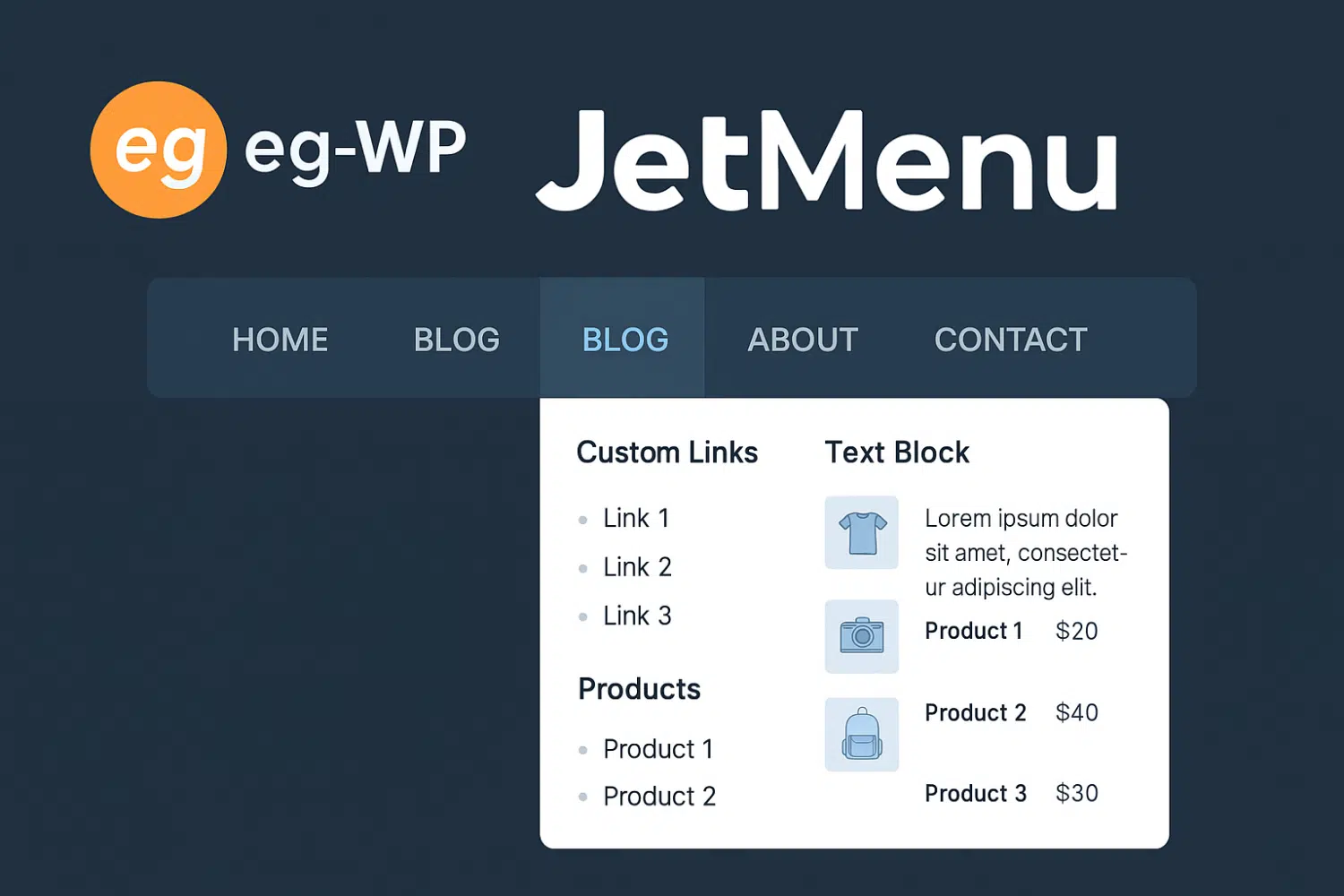
JetMenu is a powerful WordPress plugin designed to enhance the browsing experience of websites built with Elementor. It allows users to create visually appealing, highly functional, and fully customized mega menus.

JetMenu – Features and Benefits
Custom Mega Menus:
JetMenu lets you build rich mega menus that include different types of content such as images, videos, and product categories, making navigation more engaging for users.
Drag-and-Drop Interface:
An easy-to-use drag-and-drop builder helps you design and customize menus without any coding knowledge.
Multiple Menu Layouts:
Choose from various layouts, including horizontal, vertical, and multi-level menus to match your site’s design and user experience needs.
Dynamic Content:
Supports dynamic content so you can pull data from custom fields and display it in the menu—especially useful for eCommerce websites.
Responsive Design:
Ensures your menus look great across all devices, from desktops to smartphones.
Motion Effects:
Add different animation effects to menu items and submenus to enhance visual appeal and interactivity.
Mobile Menu Customization:
Create separate, mobile-friendly menus to optimize the navigation experience on smaller screens.
Exploring JetMenu
The Perfect Solution for Dynamic WordPress Menus
Menus are a fundamental element of any website’s user experience, and JetMenu goes beyond traditional navigation by providing advanced design tools. It allows you to create fully responsive, brand-aligned menus that improve usability and design consistency.
JetMenu also supports Mega Menus with multiple columns, icons, images, and subcategories—bringing a richer and more professional feel to your website.
JetMenu Features on EG-WP
- Drag-and-drop with no coding – Easily build and reorder menu items.
- Full design customization – Choose colors, fonts, icons, and animations to match your brand.
- 100% mobile responsive – Works seamlessly on smartphones, tablets, and desktops with a hamburger menu option.
- Support for images and icons – Add icons beside items and images for better engagement.
- Smooth Elementor integration – Combine JetMenu with Elementor widgets to build more advanced menus.
How to Activate JetMenu (Step-by-Step)
- From your WordPress dashboard, go to Plugins > Add New.
- Search for JetMenu, then install and activate it.
- Go to Appearance > Menus to create or edit a menu.
- Add the pages or links you want.
- Enable JetMenu settings for that menu.
- Customize: backgrounds, hover effects, column layouts, fonts, and icons.
- Preview and test responsiveness on mobile.
- Save changes and check your live site.
Best Practices for JetMenu
- ✅ Keep the design simple and clear.
- ✅ Optimize for mobile with hamburger menus.
- ✅ Highlight important pages and products.
- ✅ Review menus regularly to remove outdated links and add new content.
Conclusion
If you’re looking for a professional way to create rich, responsive, and visually appealing menus on your WordPress site, JetMenu is the perfect solution.
Whether you manage an online store, blog, or business website, JetMenu improves navigation, boosts visitor engagement, and supports better SEO performance.
📌 Available now as part of EG-WP plugins.
🛠️ Includes full setup, custom design, and technical support



No comment