






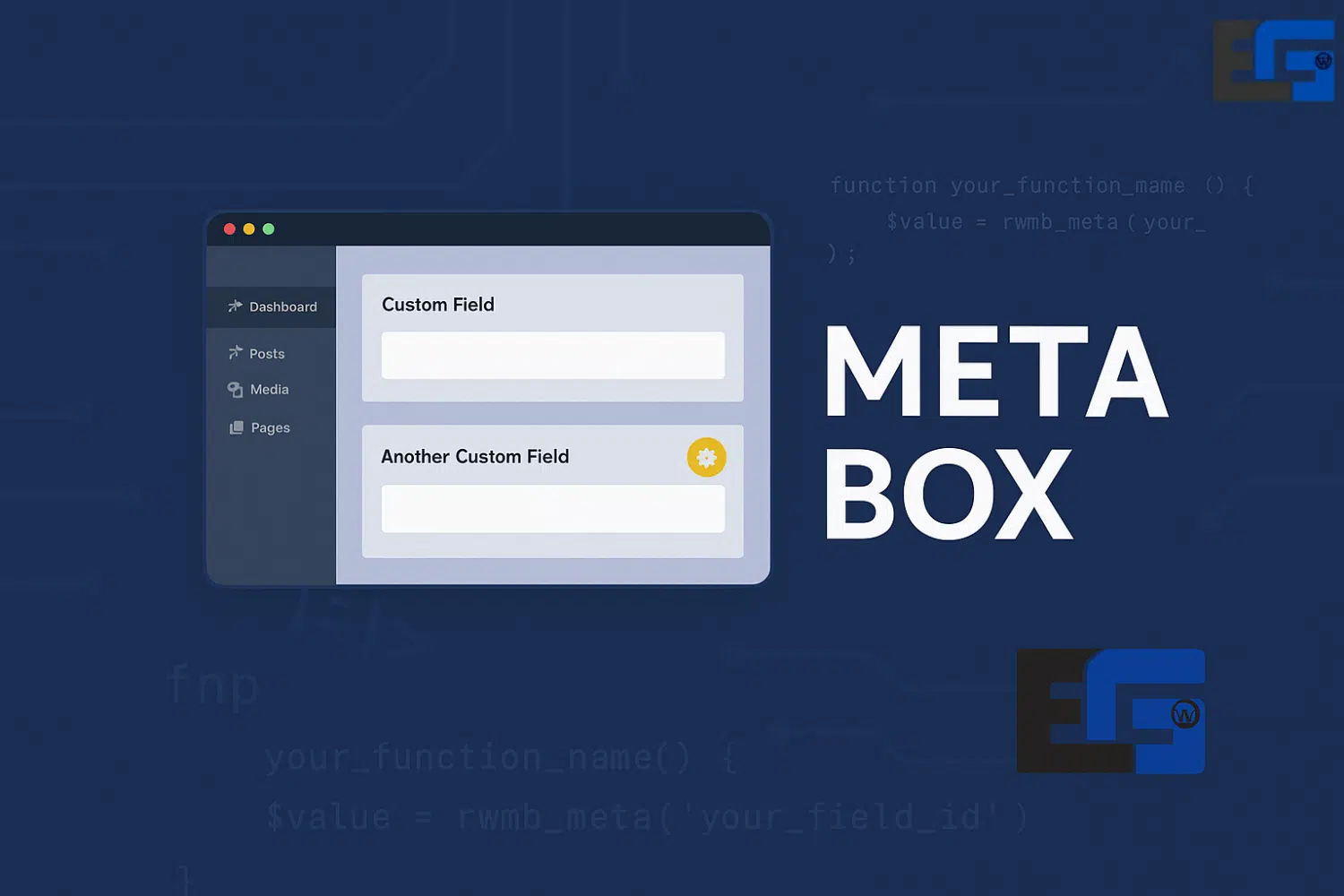
Meta Box
Get Meta Box Pro with a lifetime license, automatic updates, and single-site activation. Enjoy full control over customizing WordPress custom fields with ease and professionalism. This is an original 100% product, ensuring high performance and long-term stability—no need for GPL or nulled versions.
✅ Key Advantages of Meta Box Pro
- Lifetime License – One-time payment, lifetime features and updates.
- Automatic Updates – Receive updates directly from your WordPress dashboard.
- Single-Site Activation – Ideal for personal projects or individual websites.
- 100% Original Product – Official, secure, and trustworthy.
Why Choose Meta Box?
Full Control over Custom Fields – Easily create custom post types and multiple fields.
Lightweight and High Performance – Optimized for speed, works with all themes and plugins.
Seamless WordPress Integration – Compatible with Classic Editor, Gutenberg, and Elementor.
Invest in your site’s flexibility and performance with Meta Box Pro – lifetime license, single-site activation, and continuous updates at the lowest cost possible.
Understanding Meta Boxes in WordPress
A meta box is a user interface element inside the WordPress dashboard that allows users to input additional information related to posts or pages.
They are particularly useful when working with Custom Post Types, allowing developers to add tailored fields such as:
- ✅ Client Name
- ✅ Project Date
- ✅ Featured Image
This gives websites greater flexibility to display data in a structured way.
Common Types of Meta Boxes
- Text Fields (e.g., subtitles)
- Dropdown Menus (e.g., select status)
- Checkboxes
- File or Image Uploads
These fields customize the input interface according to the nature of the website.
Benefits of Using Meta Boxes – on EG-WP
- Easier Content Entry – Clean, organized interface for filling in content without complexity.
- Better Data Organization – Group custom fields by content type for quick access.
- Workflow Customization – Tailor the editing experience for your site type, e.g.:
- Real estate sites (property details, location, price)
- Guest blogs (author info, social accounts)
- Theme & Plugin Support – Works with modern themes and plugins like JetEngine and Meta Box Plugin.
How to Create and Customize a Meta Box
You can add a custom meta box to your WordPress site using code in the functions.php file or a custom plugin:
function custom_meta_box() {
    add_meta_box(
        'custom_meta_box_id',
        'Custom Box Title',
        'display_custom_meta_box',
        'post'
    );
}
add_action('add_meta_boxes', 'custom_meta_box');

function display_custom_meta_box($post) {
    $value = get_post_meta($post->ID, '_custom_meta_value_key', true);
    echo '<label for="custom_field">Custom Field</label>';
    echo '<input type="text" name="custom_field" value="' . esc_attr($value) . '" />';
}

function save_custom_meta_box_data($post_id) {
    if (array_key_exists('custom_field', $_POST)) {
        update_post_meta(
            $post_id,
            '_custom_meta_value_key',
            sanitize_text_field($_POST['custom_field'])
        );
    }
}
add_action('save_post', 'save_custom_meta_box_data');
This example shows how to:
- Create a meta box
- Allow input and save it
- Securely store data
Real-Life Examples of Using Meta Boxes
- E-Commerce Stores – Add product details (specifications, customer reviews, product videos).
- News Agencies – Add editorial info (author bio, publication date, attached media).
- Nonprofits – Manage event details (location, time, volunteer opportunities).
Conclusion – Why Use Meta Boxes?
Meta boxes are a powerful way to customize content and simplify management in WordPress for both developers and site owners.
Key Benefits of Meta Box:
- Improved user experience
- Custom workflows
- Better data organization
- High compatibility with themes and plugins
Want a professional Meta Box setup for your site?
The EG-WP team provides full support for customizing content using Meta Box, JetEngine, and ACF.
Get your custom design now with the best WordPress customization tools!
🔗 For more templates and addons, visit eg-wp.com



No comment