WooCommerce Registration & Login with Mobile Phone Number
WooCommerce Registration & Login with Mobile Phone Number
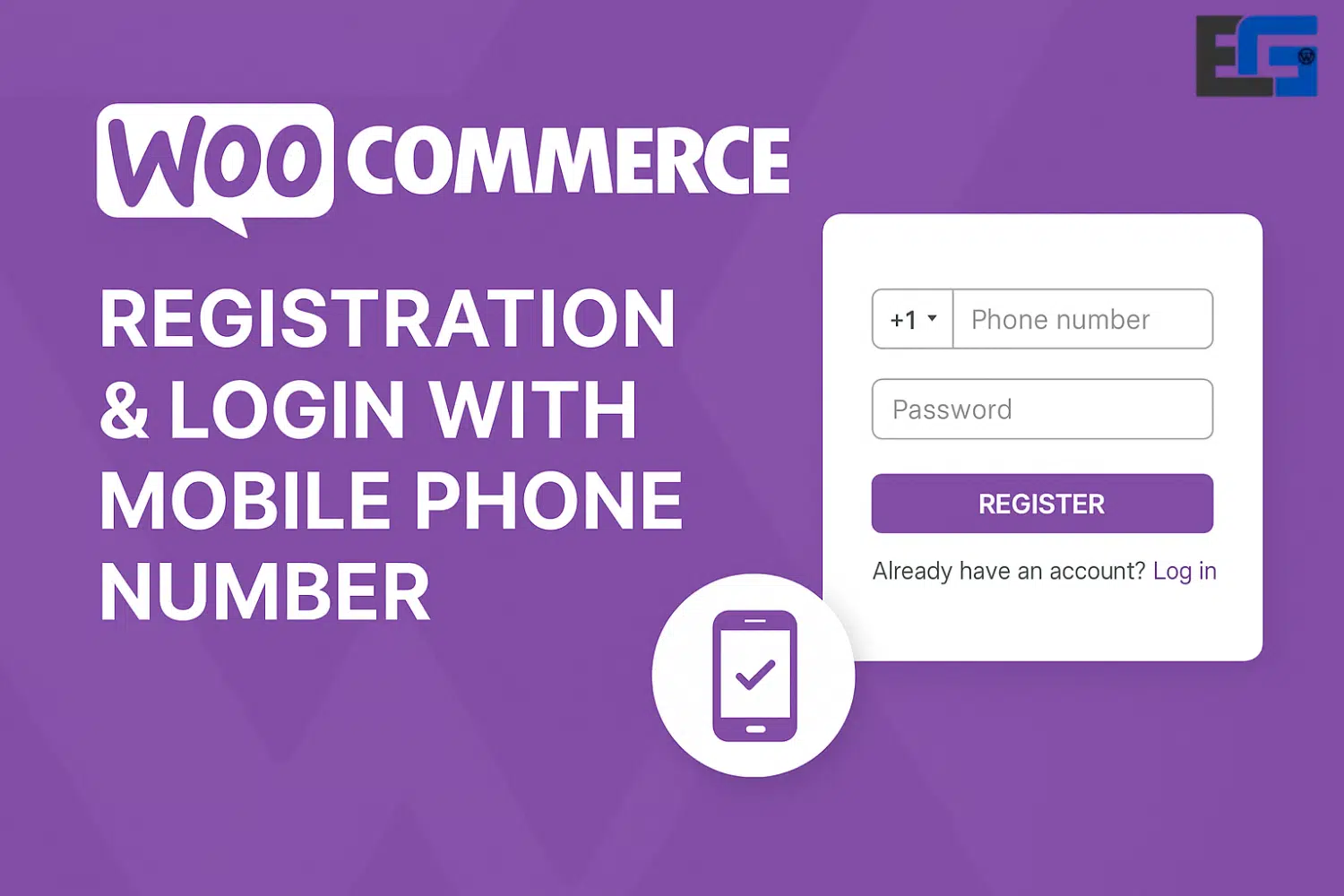
The WooCommerce Registration & Login with Mobile Phone Number plugin simplifies the registration and login process for users by allowing them to use their mobile phone numbers instead of traditional email addresses and passwords.
Customers can register for an account using their mobile phone numbers, speeding up and simplifying the process.
One-Time Password (OTP) Verification:
When users enter their mobile phone number, they receive a one-time password (OTP) via SMS to verify their identity. This adds an extra layer of security to the login process.
Customizable Settings:
This plugin allows administrators to configure various settings, such as:
Specifying the countries where mobile login is permitted
Hiding the default login form on the account page
Enabling or disabling reCAPTCHA for added login security
User-Friendly Interface:
The plugin provides a simple and user-friendly interface for both users and administrators, making navigation and management easier.
Integration with Firebase and SMS Gateways:
To send OTPs, the plugin can be integrated with services like Google Firebase and SMS gateways such as Twilio and MSG91, ensuring reliable message delivery.
Support for Existing Users:
Registered users can link their mobile phone numbers to their existing accounts, allowing them to log in using either their phone number or email address.
Note: When sending messages via the integrations mentioned above to a group of phone numbers, you must upgrade to a paid plan on the chosen messaging platform.
WooCommerce Registration & Login with Mobile Phone Number
Complete Guide to WooCommerce Registration: Enhancing Your Online Store
Understanding WooCommerce Registration
WooCommerce registration is a core aspect of managing an online store using the WooCommerce plugin on the WordPress platform. At its essence, WooCommerce registration allows customers to create personal accounts on your site. This not only enhances the user experience but also facilitates many eCommerce functions that improve the overall efficiency of the online shopping environment.
One of the most prominent benefits of WooCommerce registration is increased customer loyalty. When customers create accounts, they are more likely to return to the store thanks to the benefits associated with having an account—such as saved payment methods, order history, and personalized recommendations. This type of loyalty is crucial for online retailers seeking to build a dedicated customer base and encourage repeat purchases.
Moreover, having registered users streamlines the checkout process. Since their details are securely stored in their accounts, returning customers can complete transactions more quickly, reducing cart abandonment rates. This feature is especially valuable in today’s fast-paced digital economy, where convenience plays a major role in purchase decisions. A smoother checkout experience can lead to a higher conversion rate, directly impacting business profitability.
Another key benefit of WooCommerce registration is enhanced data collection. By encouraging users to create accounts, online stores can gather valuable insights into customer behavior, preferences, and purchasing patterns. These insights are essential for shaping marketing strategies, improving product offerings, and enhancing the overall shopping experience. Businesses can tailor their promotional efforts based on demographic data and purchase history, creating a more targeted and effective marketing approach.
In summary, WooCommerce registration plays a pivotal role in the success of eCommerce stores. By prioritizing customer accounts, online businesses can benefit from stronger loyalty, smoother transactions, and deeper data analytics—contributing to sustainable growth and profitability.
Setting Up Registration in WooCommerce
Enabling user registration in WooCommerce is a crucial step in improving the user experience on your online store. To get started, go to WooCommerce settings within your WordPress dashboard. From there, navigate to the “Accounts & Privacy” tab. Here, you’ll find options to allow customers to create an account during checkout or from the “My Account” page. Selecting these options enables a simplified registration process that boosts customer engagement and loyalty.
When considering registration forms, it’s important to balance between offering guest checkout and encouraging account creation. Guest checkout offers a faster, more convenient buying experience without requiring account creation. On the other hand, account creation provides benefits like saved customer information, order history, and personalized features. Finding the right balance between these options can improve conversion rates and increase customer satisfaction.
Customizing the registration form can further enhance the user experience on your WooCommerce site. By default, WooCommerce includes a basic registration form with fields like username and password. However, you can modify this form to add extra fields aligned with your business goals. Consider including fields such as first name, last name, and contact information to collect more useful customer data. Alternatively, you can remove unnecessary fields to simplify the process and reduce abandonment rates. Always ensure the form is user-friendly and compliant with data collection laws.
Additionally, using plugins can provide advanced functionality such as creating custom user roles, account verification, and tailored registration flows. By implementing these best practices, you can make WooCommerce registration more efficient and build a loyal customer base.
Best Practices for WooCommerce Registration
Creating an effective registration process on WooCommerce is critical for improving user experience and fostering customer loyalty. One of the best practices is to simplify the registration form. By minimizing the number of required fields and focusing only on essential information, users can complete the registration process more easily and without unnecessary frustration. This streamlined approach not only reduces abandonment rates but also increases the likelihood of conversion.
Equally important is ensuring that the registration process is mobile-responsive. With more users shopping via smartphones, it is essential that the registration form adapts to various screen sizes. A smooth mobile experience enhances usability and encourages customers to complete the registration process promptly. This can be achieved through responsive design techniques and testing the form on multiple devices.
After successful registration, it’s recommended to send confirmation emails. These messages reassure customers that their account has been created and may include additional details such as login credentials, a welcome message, and links to explore the store. This step increases engagement and establishes an initial connection between the store and the customer.
Offering incentives to encourage registration is another effective strategy. These incentives can include discounts, free shipping on the first order, or exclusive access to special promotions. Such perks not only motivate users to register but also help build long-term customer relationships.
Finally, it’s essential to address privacy policies and data protection. Customers want assurance that their personal information is handled securely. Therefore, having a clear privacy policy that explains how data is used and protected is critical. This not only builds trust but also ensures compliance with data protection regulations, which is vital for any online store.
Troubleshooting Common Registration Issues
WooCommerce registration provides users with a seamless way to access and shop from your online store. However, some common issues may arise during this process, negatively impacting the user experience. Addressing these problems promptly is essential for maintaining customer satisfaction and loyalty.
One frequent issue is email verification failure. After completing registration, users may not receive the required verification email to activate their account. This can be caused by factors such as entering an incorrect email address, server issues, or emails being flagged as spam. To resolve this, users should first check their spam or junk folder. Store owners can also minimize this issue by reviewing their site’s email settings or using transactional email services to improve deliverability.
Another common challenge involves password requirements. WooCommerce often enforces security standards like minimum length and complexity. Users may select passwords that do not meet these standards, leading to registration failure. Store owners can assist by clearly displaying password requirements and providing real-time feedback during input.
Compatibility issues between WooCommerce and certain WordPress themes or plugins can also disrupt the registration experience. For example, some themes may not fully support WooCommerce’s registration features, resulting in misaligned fields or non-functioning components. To address this, store owners should regularly update themes and plugins to ensure compatibility with WooCommerce. Users can also try temporarily switching to the default WordPress theme to determine if the issue lies with the current theme.
By proactively addressing these common issues, store owners can ensure a more efficient and smooth registration experience within their WooCommerce environment.











No comment