

Ultimate Member User Locations Addon
Harnessing the Power of User Location Tagging with Ultimate Member
The Ultimate Member User Tags Addon allows you to add a user tagging system to your website.
With this plugin, users can associate tags with their profiles, making it easier for others to find them based on shared tags.

Key Features of the Ultimate Member User Tags Addon:
- Admins can create user tags that users can select during registration or on their profile.
- Tags can be organized into groups using parent/child tag hierarchies.
- Tags can include optional descriptions that appear on hover in the front end.
- Tags can be displayed in the main profile area or in the profile header.
- Users can see all other users in the member directory who have selected a particular tag.
- The addon includes a widget showing the most common tags, including the number of users associated with each.
Ultimate Member User Locations Addon
Introduction to Ultimate Member and the User Locations Addon
Ultimate Member is one of the leading plugins used to create user profiles and manage memberships on WordPress websites. It offers a robust framework for building an interactive online community. The plugin allows administrators to design custom login pages, profile layouts, and streamlined registration processes that keep users engaged and interested in the site.
One of its standout extensions is the User Locations Addon, which enhances user profiles by allowing members to specify their geographical location. This feature provides a dual benefit: it adds a personal dimension to the user profile and fosters a stronger sense of community by connecting users in the same geographical region, creating a more connected and interactive environment.
Moreover, location data enables personalized interactions, such as discovering local events, groups, or activities, thus boosting engagement and participation. Using location data contributes to delivering a more user-centric experience that caters to specific demographics and interests.
In short, integrating the User Locations addon into Ultimate Member significantly enhances user experience by combining customized profiles with location-sharing capabilities—fostering a dynamic, real-world-based digital community.
Key Features of the User Locations Addon
The “User Locations” addon offers a robust set of features designed to foster community interaction:
- Map-Based Location Display: Users can set and display their locations on a map, adding a visual dimension to their profiles and highlighting community proximity.
- Integrated Profile Location Display: Users can showcase their city or region within their profile data, making it easier to connect with others in the same area.
- Advanced Geolocation Capabilities: Enables searching for members within a certain radius, increasing the chance of real-life meetups or participation in nearby events.
- Location-Based Search Filters: Visitors can filter members by location, helping form local groups or interest-based communities.
Step-by-Step Installation and Activation Guide
To properly install the User Locations addon, follow these steps:
- Ensure the main Ultimate Member plugin is installed and activated.
- From your WordPress dashboard, go to “Plugins” > “Add New,” then search for “Ultimate Member User Locations Addon” or upload it manually if you have a copy.
- Once it appears, click “Install Now” then “Activate.”
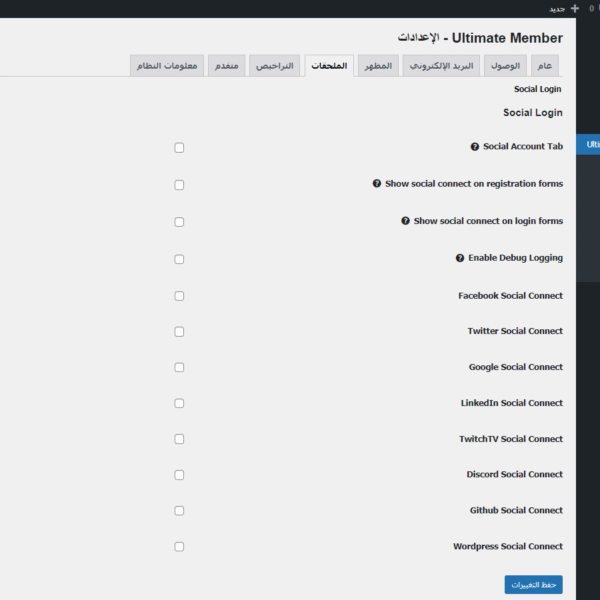
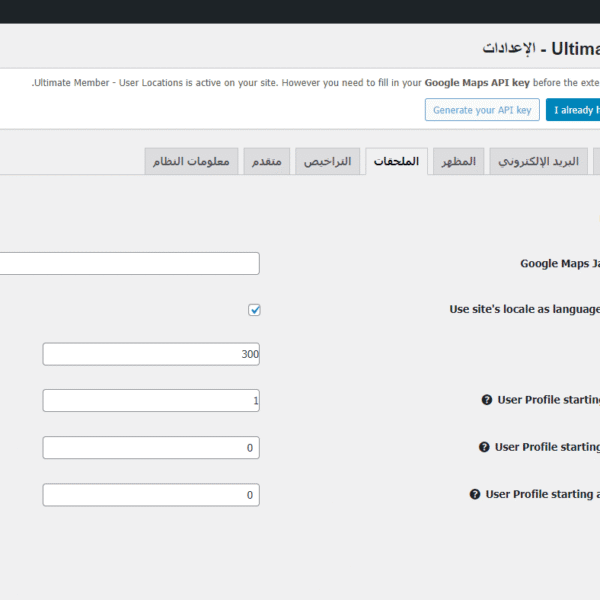
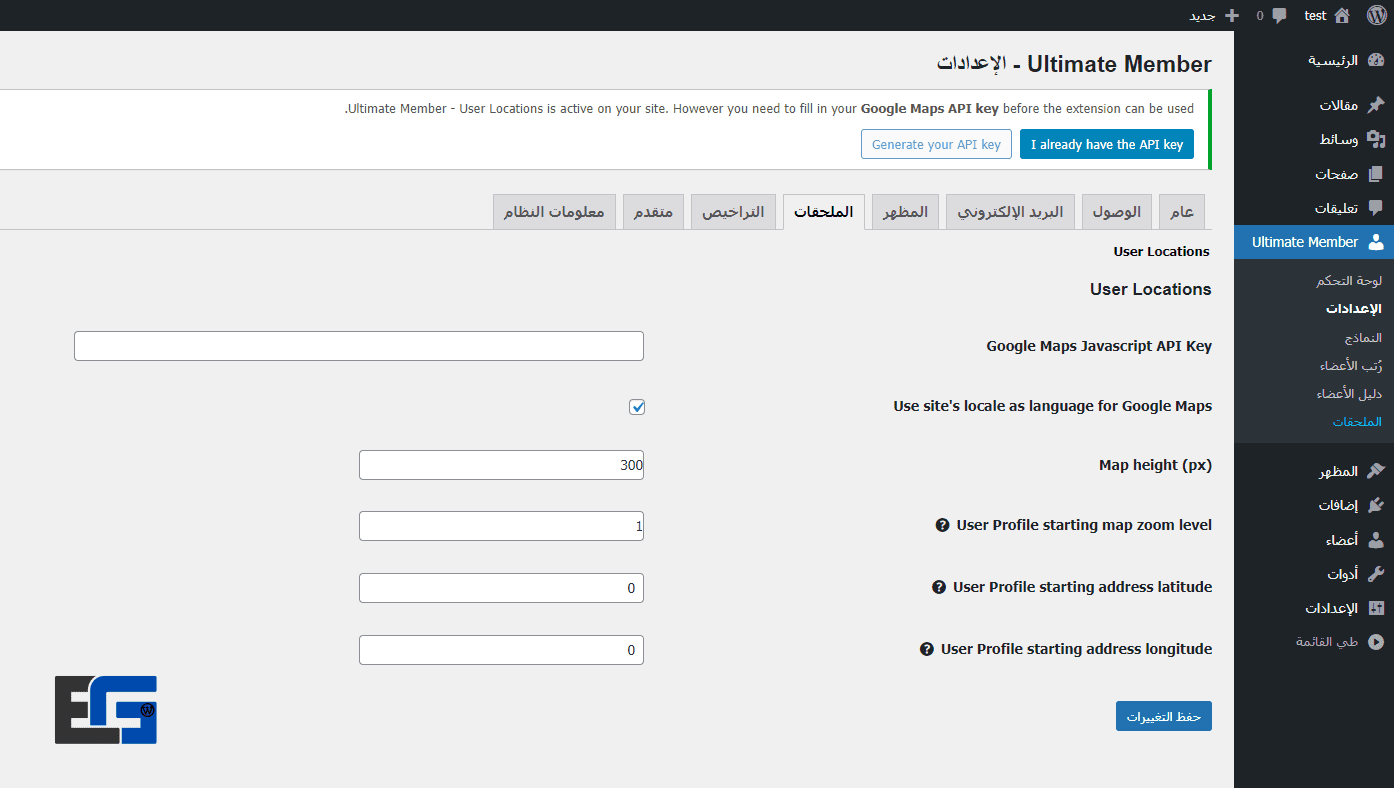
- Go to “Ultimate Member” > “Settings” > “User Locations” tab to configure settings such as:
- Enable/disable location features.
- Set location data as public or private.
- Configure map settings like map type and zoom level.
- Save the settings, then go to “Forms” to add the “Location” field in registration and profile forms to encourage users to enter their location
If issues arise:
- Check plugin compatibility.
- Temporarily disable other plugins to test for conflicts.
- Ensure WordPress and all plugins are up-to-date.
If problems persist, visit the Ultimate Member support forums for assistance.
Best Practices for Using Location Features in Your Community
- Encourage Users to Enter Their Location: Highlight benefits such as easier networking, access to local events, or localized content.
- Offer Incentives for Sharing Location: Such as unlocking features or exclusive content.
- Enable Location-Based Search: Allow users to find each other or join nearby activities.
- Respect Privacy: Provide clear privacy controls so users can manage who sees their location and remind them to update their settings regularly.
Focusing on geographic proximity not only strengthens digital community ties but also fosters meaningful real-world interactions.
User Location Addon Features on Eg-wp Website
On Eg-wp, the Ultimate Member User Locations Addon stands out with several exceptional benefits:
- Full Arabic language support
- Seamless integration with Google Maps
- Customizable map interface to match your site’s design
- Exportable location data for advanced analytics
- Fast technical support from the Eg-wp team for professional implementation
Tip from Eg-wp: Combine this addon with the Groups Addon to boost local engagement within your digital community.


No comment